Avatar Maker
Lesson 1: Making Avatars for the Dataverse
Students enter the Dataverse, learn how personal information becomes data, and build a paper avatar from their name and interests.
Overview
Students enter the Dataverse to begin their Data Adventure by exploring how personal information—such as name length and preferences—can be transformed into visual elements of a custom avatar. Through play and reflection, students learn how data represents parts of who they are, setting the foundation for future lessons that explore patterns, representation, and meaning making.
Student Objectives
- ✓ I can describe what a Data Adventure is.
- ✓ I can turn my name and interests into data.
- ✓ I can create a Data Case Card (avatar) to represent my data.
At a Glance
Total: 45 minutes-
Welcome & Grounding
6 min · Slides 2–11
Introduce the idea of a Data Adventure and explain that students will create a visual representation of themselves using data. Go over the agenda and establish or remind students of the shared class agreements for collaboration and curiosity.
-
Connector: Would You Rather – Gaming Edition
5 min · Slides 12–17
Play a quick Would You Rather game to help students share preferences and realize that their opinions and choices are a form of data. Select the slides that align to your students' interests, or make your own. This activity connects personal experience to data thinking.
-
Example of How to Build an Avatar
10 min · Slides 18–22
Students practice completing a Data Case Card for a sample character, exploring how names and attributes translate into visual data. Discuss what information might be revealed or hidden in these representations.
-
Build an Avatar
20 min · Slides 23–26
Students complete their own Data Case Card, then use it to assemble parts, build, glue, and decorate a personal avatar on the Avatar Build Card. They also record their avatar data in the Avatar Data Collection Google Form for later lessons.
-
Reflection & Closing
4 min · Slides 27
Individuals turn and talk, or this can be given as a final reflection.
| Section | Time | Slides | What happens |
|---|---|---|---|
| Welcome & Grounding | 6 min | 2–11 | Introduce the idea of a Data Adventure and explain that students will create a visual representation of themselves using data. Go over the agenda and establish or remind students of the shared class agreements for collaboration and curiosity. |
| Connector: Would You Rather – Gaming Edition | 5 min | 12–17 | Play a quick Would You Rather game to help students share preferences and realize that their opinions and choices are a form of data. Select the slides that align to your students' interests, or make your own. This activity connects personal experience to data thinking. |
| Example of How to Build an Avatar | 10 min | 18–22 | Students practice completing a Data Case Card for a sample character, exploring how names and attributes translate into visual data. Discuss what information might be revealed or hidden in these representations. |
| Build an Avatar | 20 min | 23–26 | Students complete their own Data Case Card, then use it to assemble parts, build, glue, and decorate a personal avatar on the Avatar Build Card. They also record their avatar data in the Avatar Data Collection Google Form for later lessons. |
| Reflection & Closing | 4 min | 27 | Individuals turn and talk, or this can be given as a final reflection. |
Materials & Prep
- Data Case Card1 per studentPrint two per page, single-sided, then cut in half.
- Avatar Build Card1 per studentPrint two per page, single-sided, then cut in half.
- Character Adjectives (optional)1 per studentOptional language support for describing avatars.
- Maker Space Family Letter Home1 per studentSend home at the start of the Adventure.
- Avatar Maker kitOne per group of three, in a gallon bag — Stencil A (head), Stencil B (body), Stencil C (arms and legs), assorted construction paper, googly eyes, and an avatar sticker sheet. Provided by the project.
- Glue sticks
- Data Habits of Mind Poster18x24, one per classroom. Provided by the project.
- Avatar Data Collection Google FormMakes a copy you can share with students.
- Study classroom? Check your classroom kit before printing or gathering materials. The Unpack your classroom kit videos on Getting Started show what is in each box and how it is organized.
- Create your own avatar example to model for students.
- Decide how materials will be distributed (stations or packets).
- Hang up the Data Habits of Mind Poster.
Slides & Teaching Guide
How to use these speaker notes
Every slide's notes follow the same four labels so you can find what you need at a glance.
- Time:
- Approximate pacing for the slide.
- Example Script:
- Suggested language to say to students. Paraphrase freely to match your voice.
- Do:
- Appears only when a specific action or facilitation move is needed (invite a volunteer, collect a data sheet, etc.). If you don't see a "Do" line, the script is all that's needed.
- Purpose:
- Why the slide is here and what it's building toward in the lesson.
-
Slide 2 · Avatar Maker
Purpose: Title slide for Avatar Maker Day 1.
-
Slide 3 · Avatar Maker
1 minuteWelcome to Data Adventures! Today we’re starting our first adventure: Avatar Maker. Over the next few days, you’ll create your own avatar and explore how data connects to who you are. Today is Day 1, where we begin building our avatars and learning about the Dataverse. But first let’s learn more about Data Adventures.
Purpose: Signal transition into lesson day. Frame expectations.
-
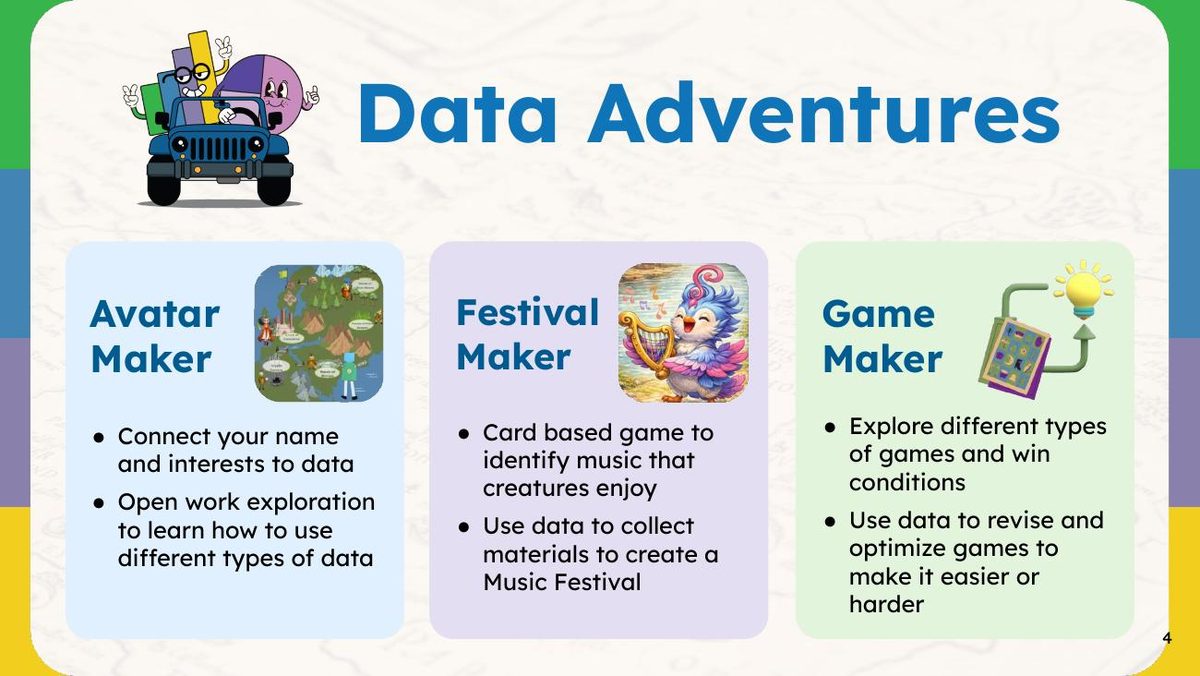
Slide 4 · Data Adventures
½ minuteThere are different adventures in this world—Avatar Maker, Festival Maker, and Game Maker. Each one uses data in a different way.
Purpose: Provide a big picture of the unit. Show progression and context.
-
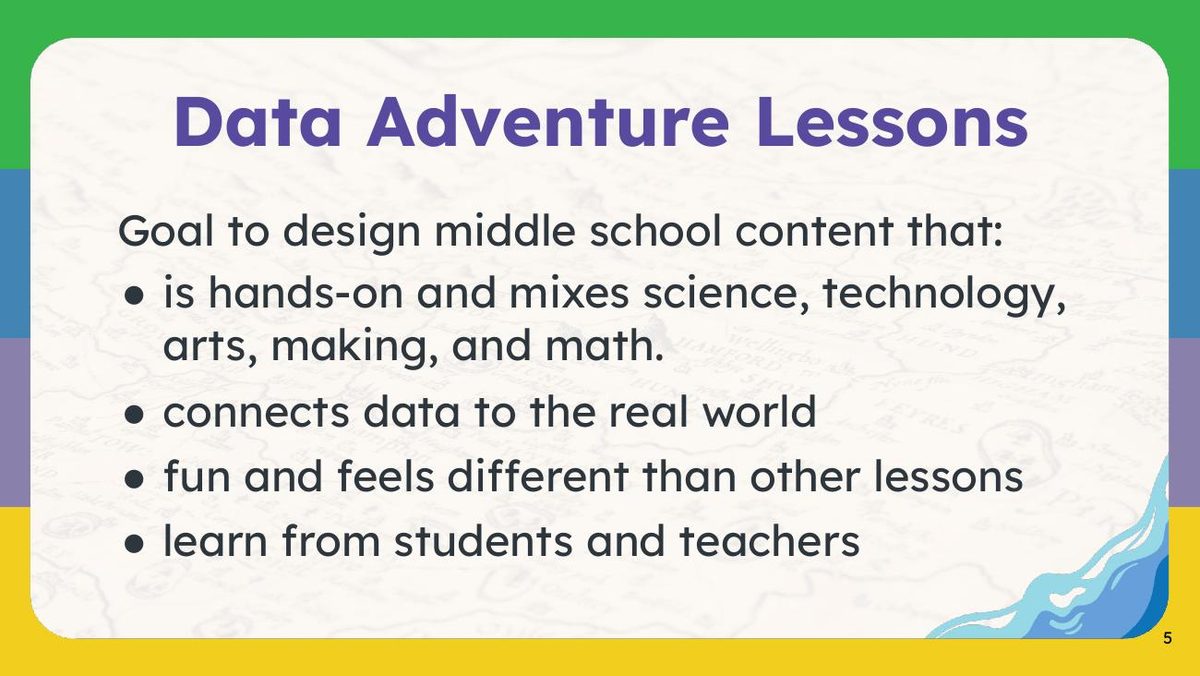
Slide 5 · Data Adventure Lessons
1 minuteThe goal is to make learning hands-on, fun, and connected to real life. We’ll mix making, art, and data—and learn from each other along the way. You are a part of research and are beta-testing the materials. The advice and recommendations you make will change what we end up teaching and how we teach it. Your feedback is going to help shape what other students learn.
Purpose: Establish learning goals and relevance. Build buy-in.
-
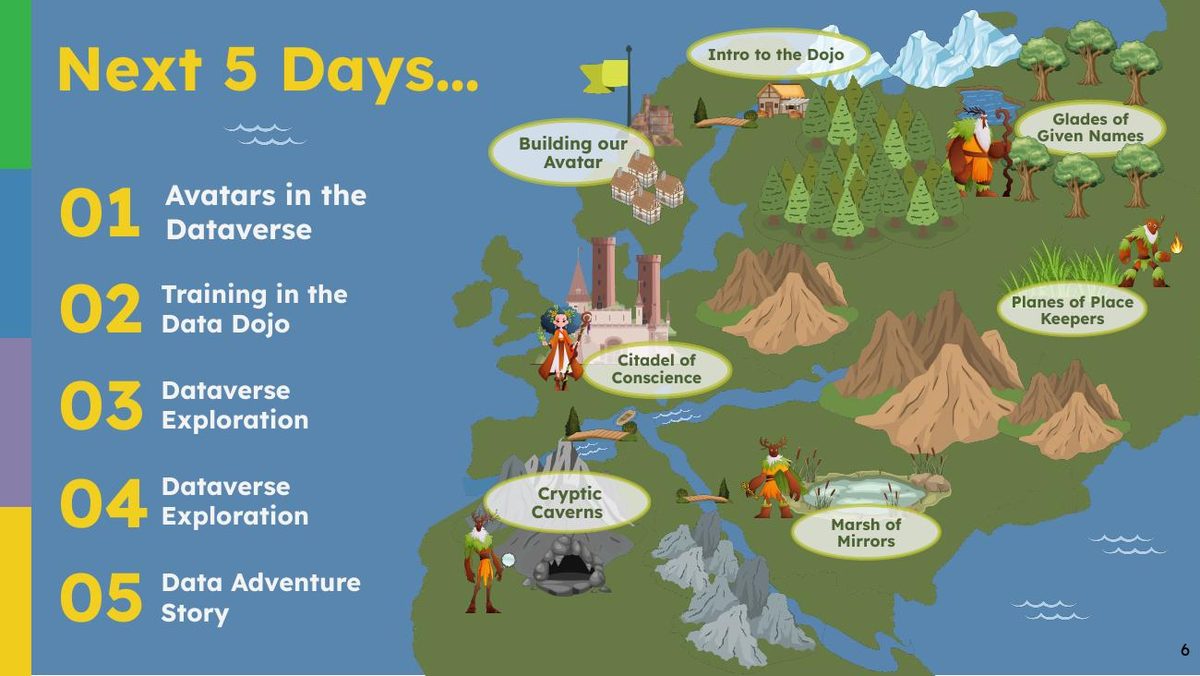
Slide 6 · Next 5 Days…
½ minuteWe are starting with Avatar Maker. Over the next five days, you’ll explore different parts of the Dataverse. Today, we start by building your avatar.
Purpose: Preview learning arc. Help students anticipate sequence.
-
Slide 7 · Day 1 Agenda
½ minuteDo: Read each agenda item with the class.
-
Slide 8 · Our Classroom Agreements
1 minBefore we start, let’s return to our classroom agreements. These agreements help us work as teams, try new ideas, and make sure everyone has a way to participate. As we play today, we will need to listen, take turns, use evidence, and help each other stay with the process.
Do: Be sure to copy and paste co-created agreements.
Purpose: Revisit classrooms agreements.
-
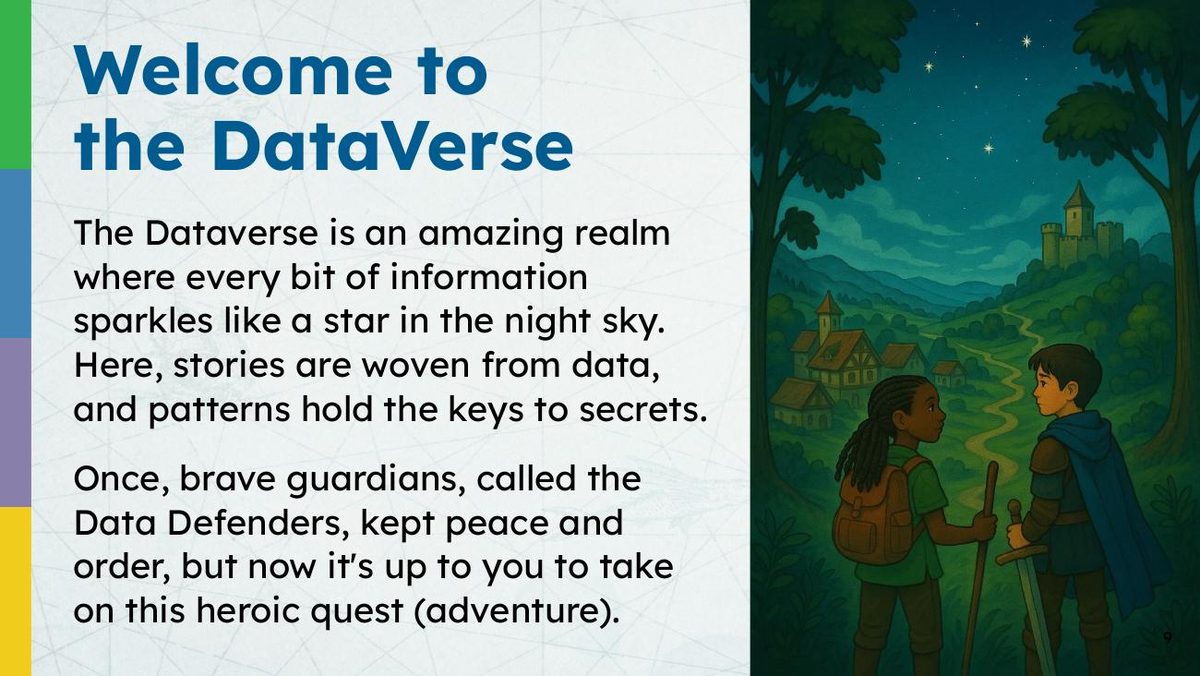
Slide 9 · Welcome to the DataVerse
1 minuteWelcome to the Dataverse—a world where data tells stories and helps us understand patterns. You are becoming Data Defenders on a mission. Would someone like to volunteer and read the welcome to our adventures?
Do: The next three slides have on-screen narrative text. Invite a student volunteer to read each slide's text aloud while you provide the brief script underneath.
Purpose: Introduce narrative/story. Build engagement and immersion.
-
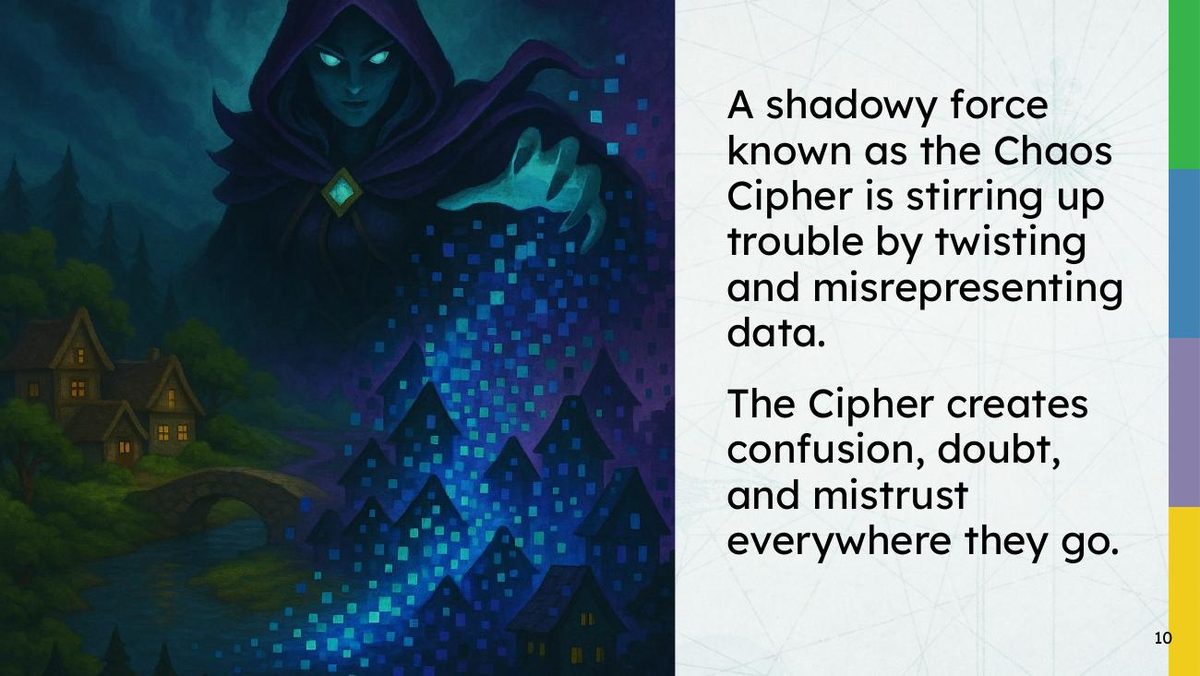
Slide 10 · A shadowy force known as the Chaos Cipher is stirring up trouble by tw
½ minuteYour job is to apply healthy Data Habits of Mind that will bring order and clarity back.
Do: Read slide or invite a student volunteer to read text aloud. After reading slide elaborate with brief script.
Purpose: Introduce conflict. Motivate purpose and problem-solving.
-
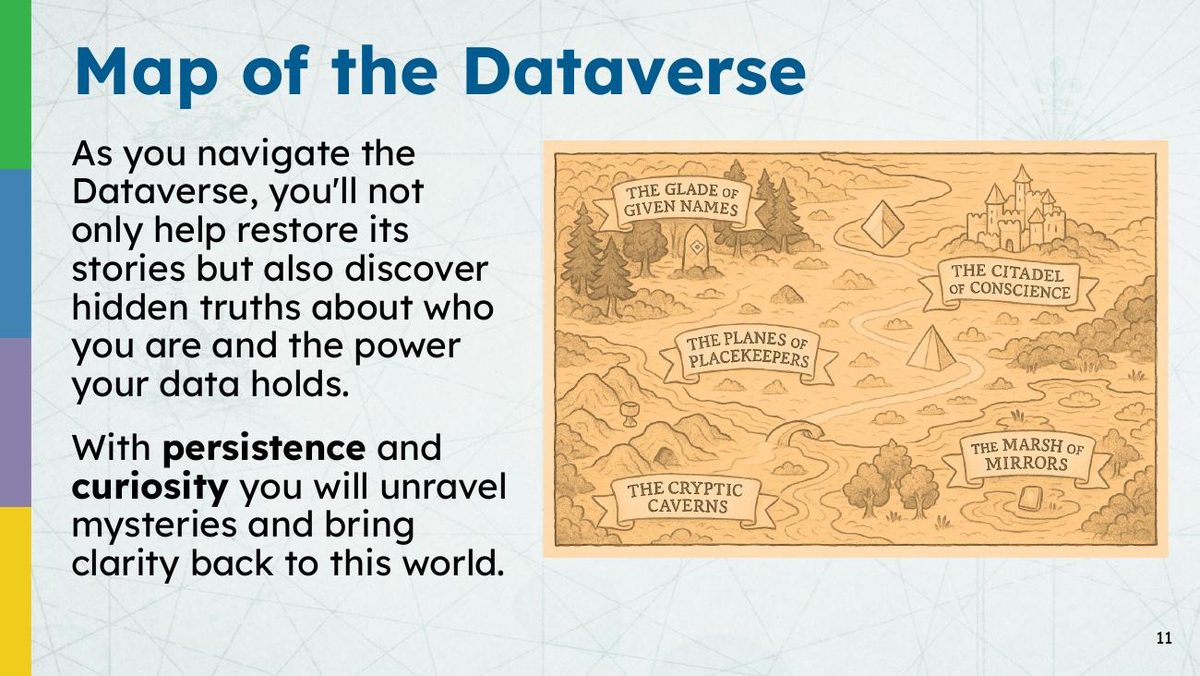
Slide 11 · Map of the Dataverse
1 minuteThere are 4 Data Habits of Mind we will learn about but over this week we will really focus on persistence and curiosity.
Do: Read slide or invite a student volunteer to read text aloud. After reading slide elaborate with brief script.
Purpose: Reinforce learning mindset (curiosity, persistence). Connect to Data Habits of Mind.
-
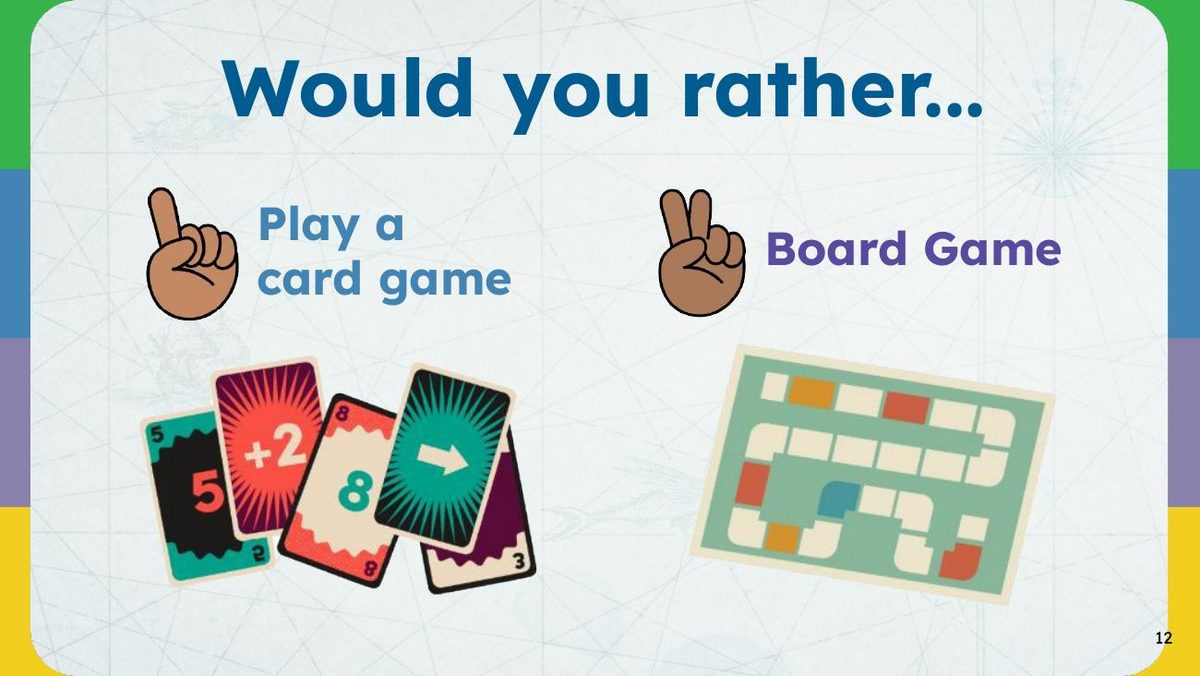
Slide 12 · Would you rather...
1 minuteWe’re going to start with a quick activity. I’ll give you two options—hold up 1 or 2 for your choice. Be ready to share why. Choose 3 of the slides to do or create your own game-based examples that better align with your student’s interest.
Purpose: Activate engagement. Begin informal data collection. Keep pace quick.
-
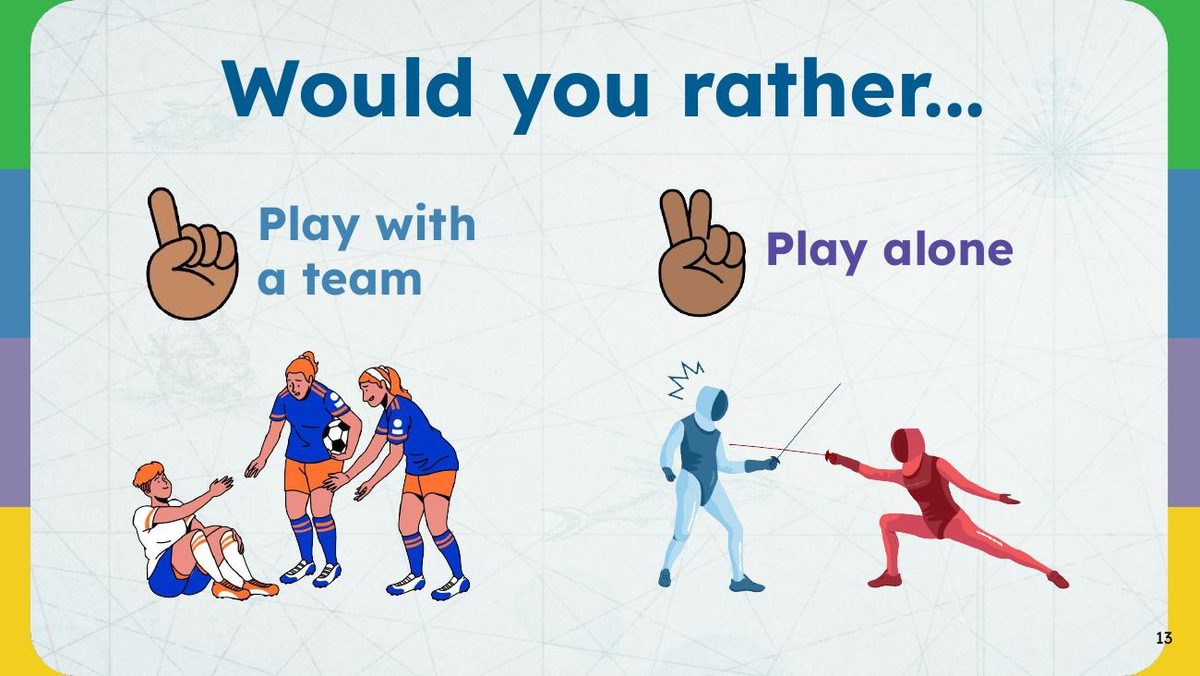
Slide 13 · Would you rather...
1 minuteWould you rather play with a team or play alone? Who chose differently than me—why?
Purpose: Encourage student voice and comparison of perspectives.
-
Slide 14 · Would you rather...
1 minuteWould you rather play on a phone or a console?
Purpose: Continue gathering preference data. Maintain momentum.
-
Slide 15 · Would you rather...
1 minuteWhich type of game do you prefer—role-playing or e-sports?
Purpose: Reinforce participation and pattern recognition.
-
Slide 16 · Would you rather...
1 minuteWhich would you choose—Fortnite or Minecraft?
Purpose: Use high-interest example to sustain engagement.
-
Slide 17 · Would you rather...
1 minuteLast one—GeoGuessr or Wordle?
Purpose: Close activity and prepare for transition.
-
Slide 18 · Elbow Partners
1 minuteOk I am going to share the next slide that includes 4 common characters. Turn and talk to your near neighbor and share 2-3 things you know about the characters. For example, which characters do you recognize?
Purpose: Activate prior knowledge. Promote peer discussion and help students think about Avatars by connecting to everyday common characters.
-
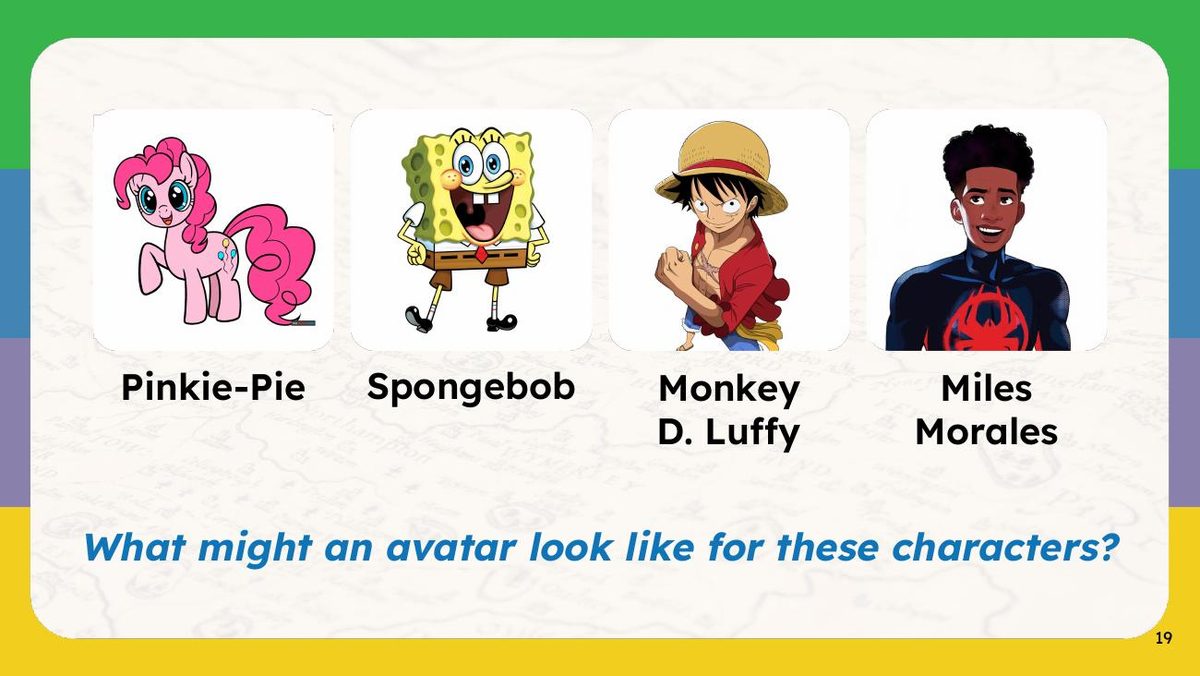
Slide 19 · Pinkie-Pie
2 minutesLooking at these characters, what do you know about them? What might their avatars look like? An avatar is a representation of a person or idea. Avatars can be digital, physical, or metaphorical representations of not just people but also, ideas. In the Dataverse, your avatar will represent you using pieces of your data.
Purpose: Bridge familiar characters to avatar concept.
-
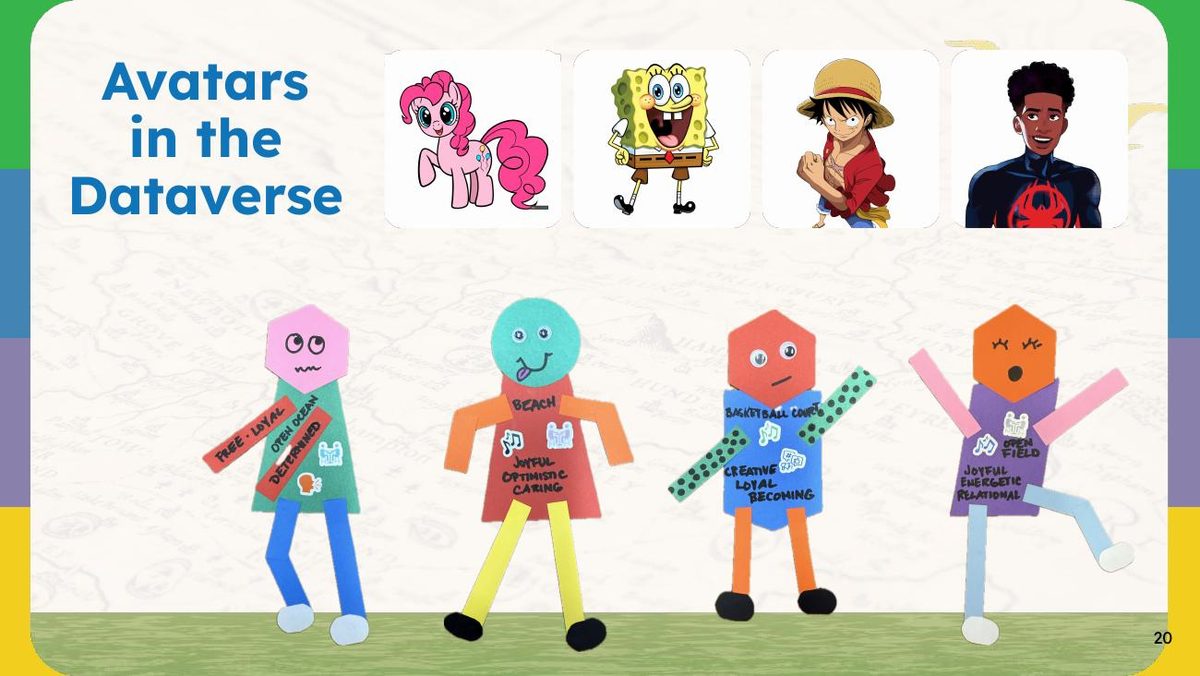
Slide 20 · Avatars
1 minuteAn Avatar is more than just a picture or a character. Every time you create a profile online, choose a character in a game, or even fill out a form, small pieces of information about you come together to form an image — an identity — that others see. Sometimes it’s your favorite color, song, birthday, or photo. Each piece of data is like a star in the sky: alone it’s just a single point, but together they tell some of your story. You will notice that Spongebob has a round head and all the others have a hexagon. That is because in the Dataverse, head shapes are based on the first letter of their name.
Purpose: Introduce core idea: data represents identity.
-
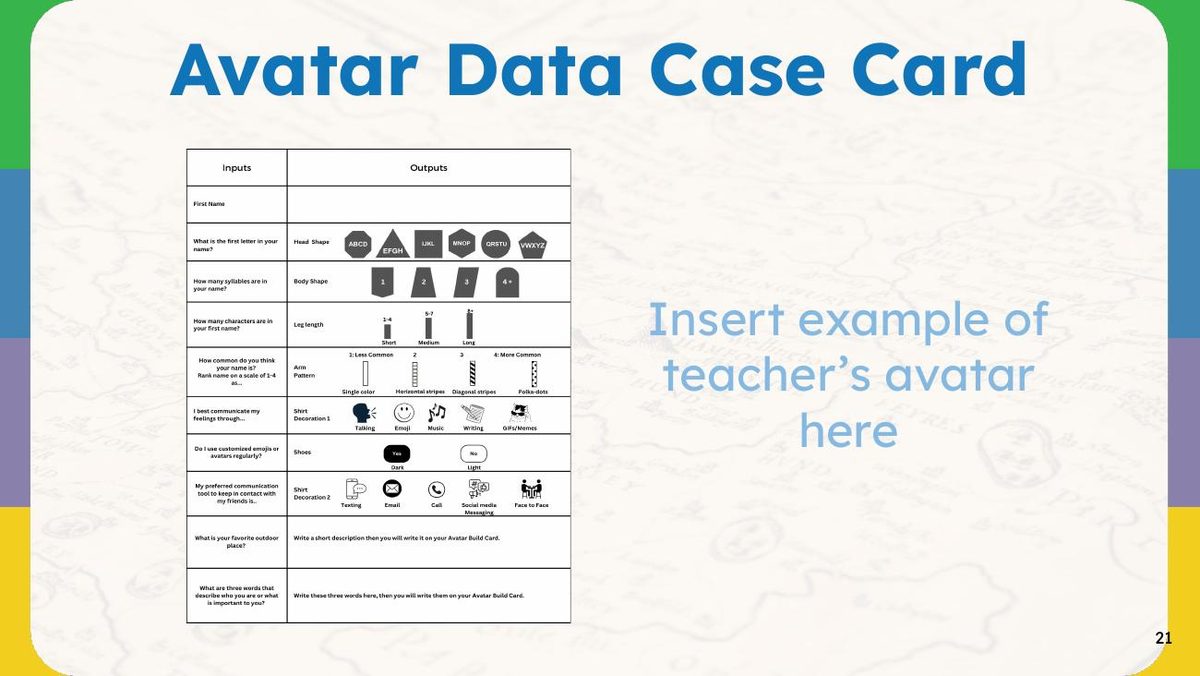
Slide 21 · Avatar Data Case Card
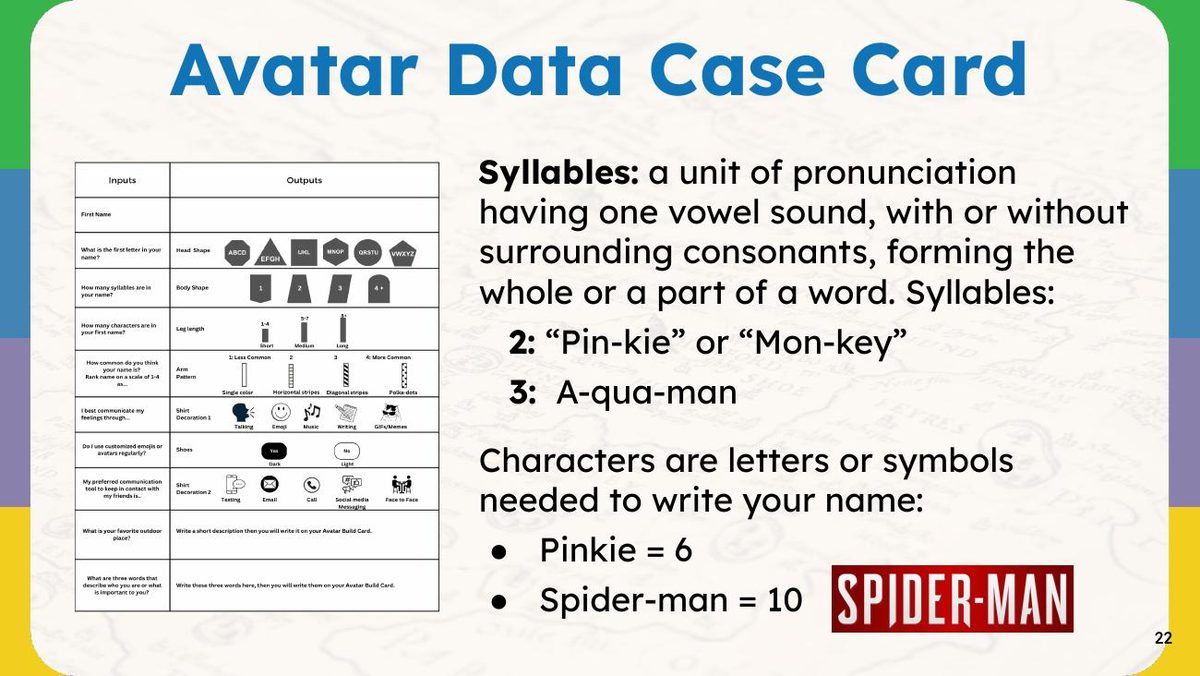
1 minuteHere’s an example of my avatar. Notice that the body shape is based on the syllables of my name
Do: Insert example of teacher’s avatar into slide. (The building elements are outside of this slide - view in editing mode to use the assets to build your avatar by dragging them on to the slide)
Purpose: Model expectations and make steps clear.
-
Slide 22 · Syllables: a unit of pronunciation having one vowel sound, with or wit
3 minutesLet’s review how to find syllables, does anyone have any ideas of how to do that? Two other ways we can do this today are saying the word and counting how many times your jaw drops down [demonstrate] or you can use the syllable counter tool linked in our document.
Do: Demonstrate counting syllables in the names.
Purpose: Help students remember how to find syllables.
-
Slide 23 · Demo or Video: How to build your avatar
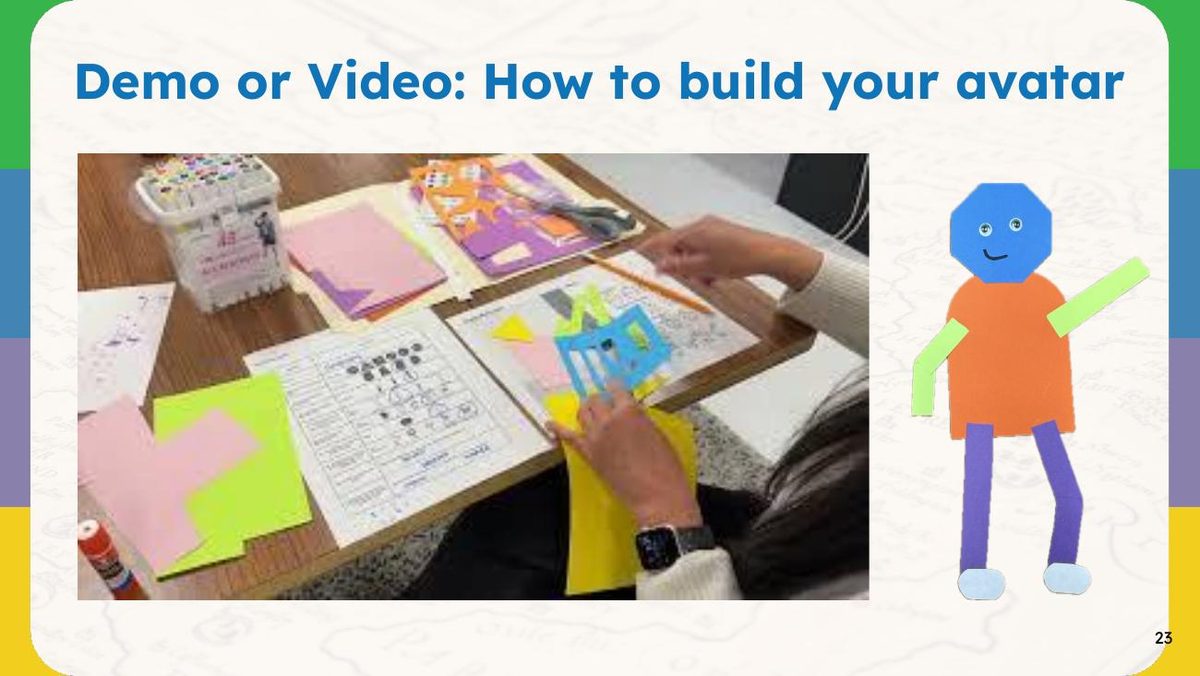
4 minutesWatch the embedded video to see how to build your avatar. Pay attention to how the pieces come together.
Purpose: Model process to reduce confusion.
-
Slide 24 · Choose your pose
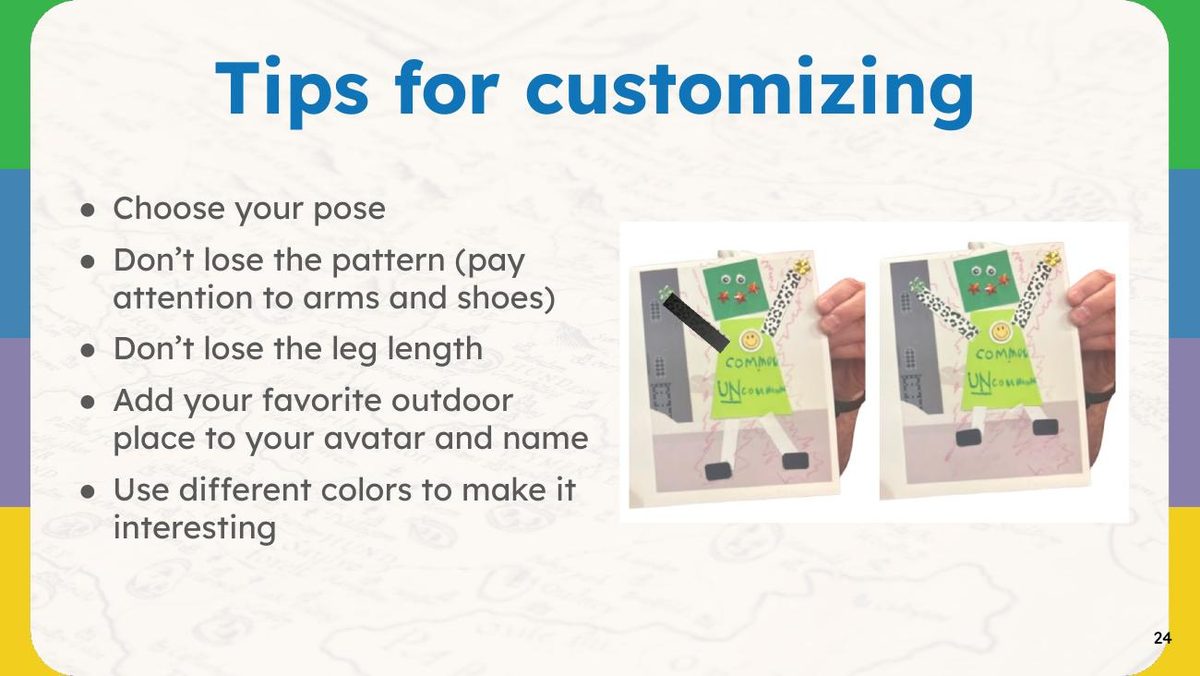
1 minuteAs you build, use color to customize the avatar.. Something to be careful of is not to lose the length of the legs, the length is a part of our data.
Purpose: Scaffold creativity while maintaining structure.
-
Slide 25 · Fill out the avatar Data Case Card with your information.
8 minutesNow it’s your turn—fill out your data card, trace, cut, and assemble your avatar.
Do: Describe to the students how you have set up the materials for them to collect and use.
Purpose: Launch main hands-on activity. Show students where the materials are to construct their avatars.
-
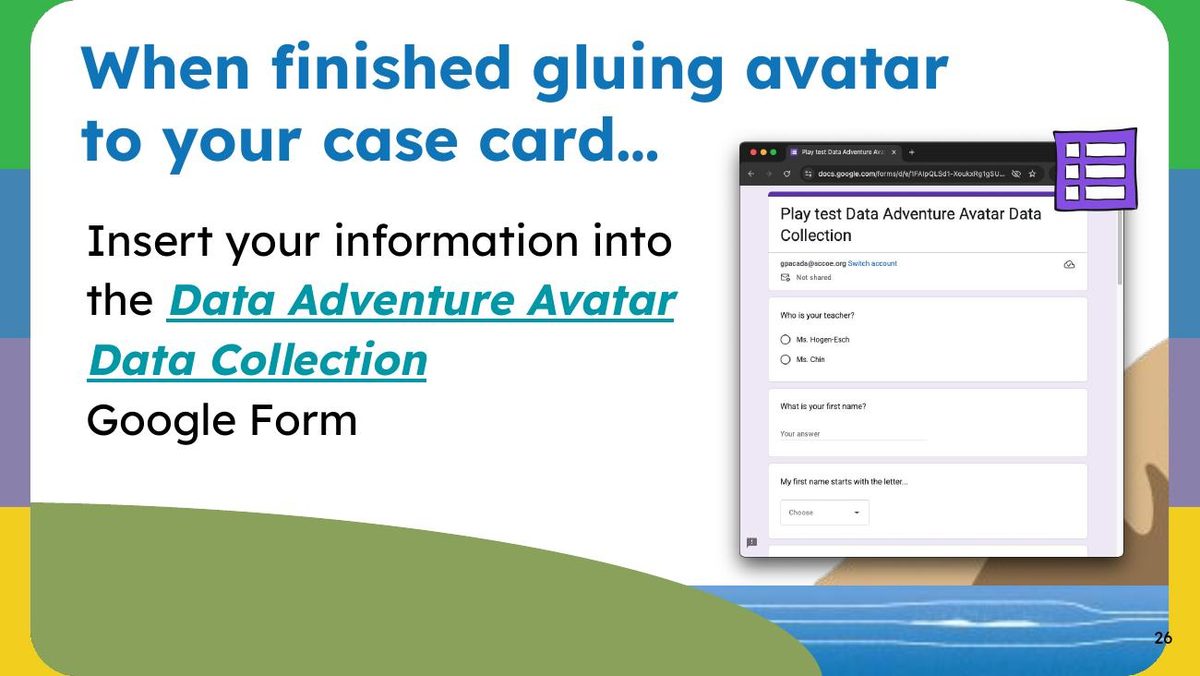
Slide 26 · When finished gluing avatar to your case card…
2 minutesOnce finished, enter your information into the Google Form so we can use it as class data.
Do: Make a copy of the Google Form from the Template link.
Purpose: Ensure data collection and transition to shared dataset.
-
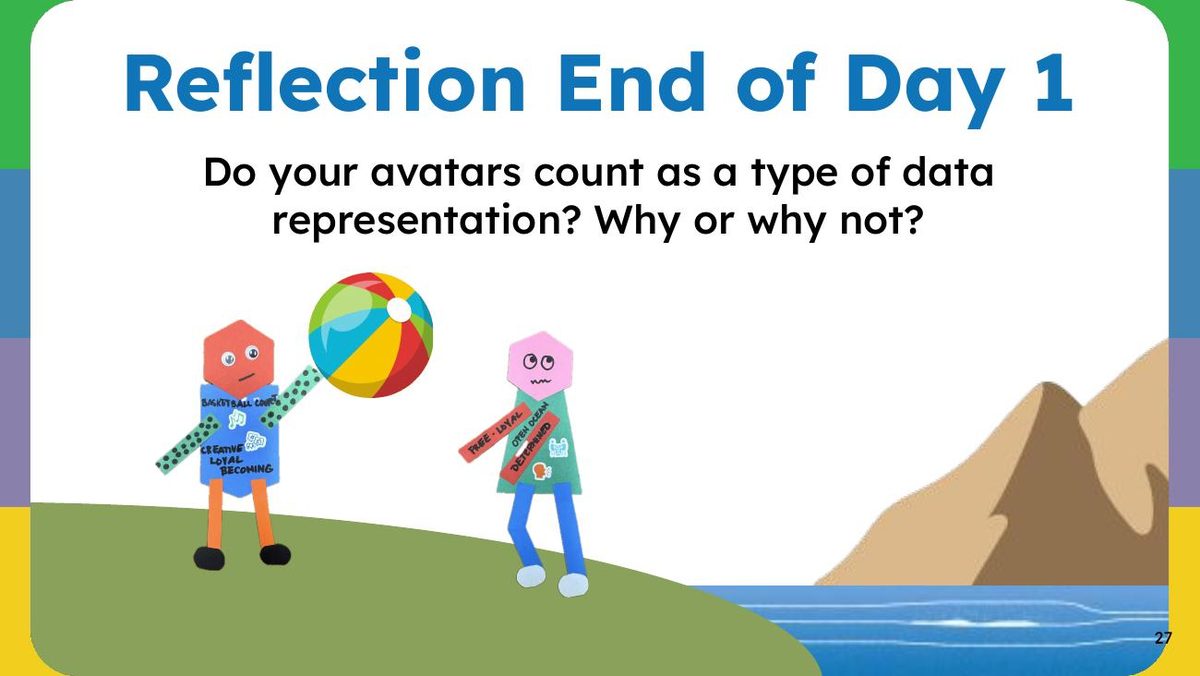
Slide 27 · Reflection End of Day 1
1 minuteDo your avatars count as a type of data representation? Why or why not? The Dataverse story continues—next time we’ll explore more using your data.
Purpose: Facilitate reflection and connect to learning goal.