Design your game
Game Maker
Students become game designers. They play, test, and rebuild games, using the data from their own play to decide what to change.
- Length
- 4 lessons, about a week
- Grades
- Middle school (6–8)
- Format
- Hands-on: play, build, test
- Devices
- None needed
Every game is a data machine
Why is one game too easy and another nearly impossible? Game designers find out by watching what happens when people play, and what happens is data. Game Maker puts students on both sides of the table: first as players generating scores, then as designers reading those scores to tune the rules.
They start with a Lotería-style toss game built around cards they design themselves, move on to a paperclip toss they rework for difficulty, and finish by inventing a carnival game of their own. On the last day the classroom becomes a Data Carnival, where every game gets played, scored, and reviewed by classmates.
From players to designers, lesson by lesson
-
 Lesson 1
Lotería Toss
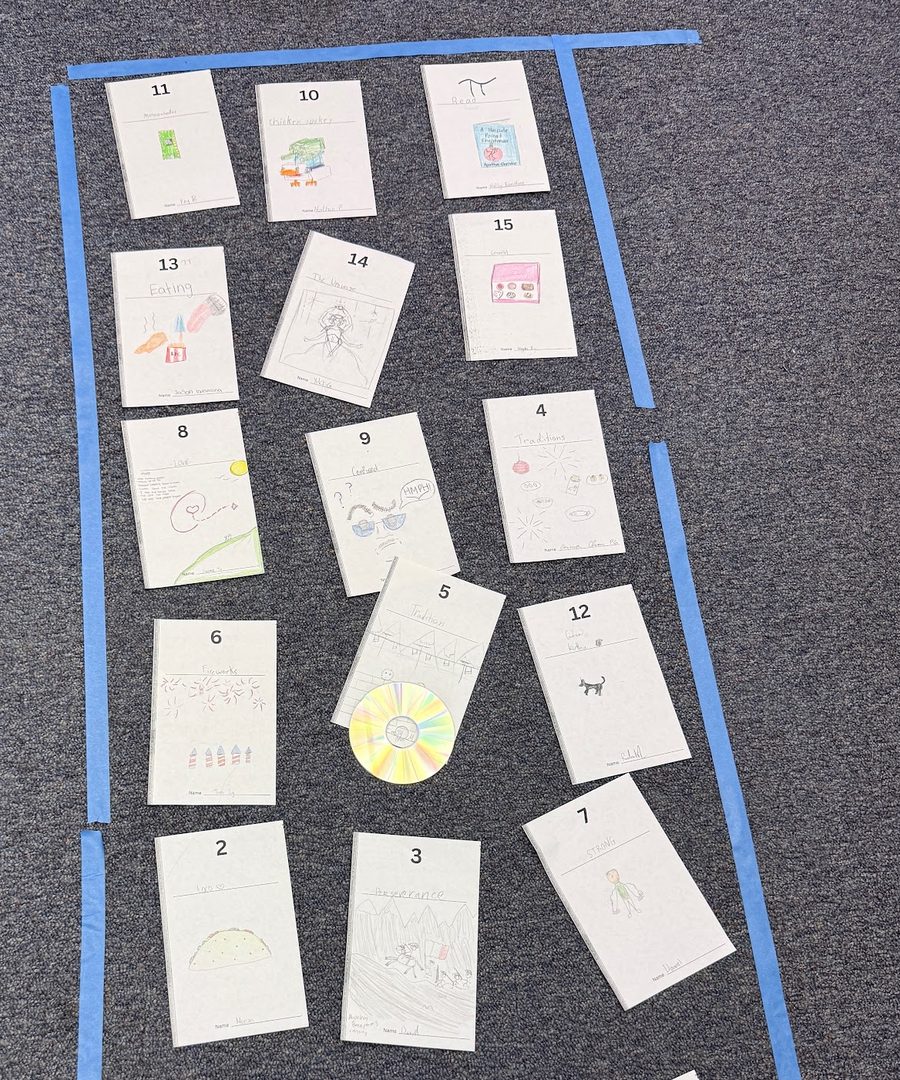
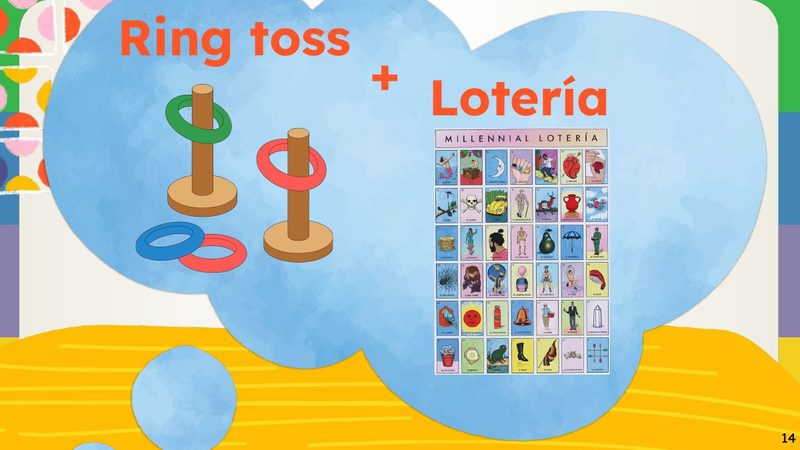
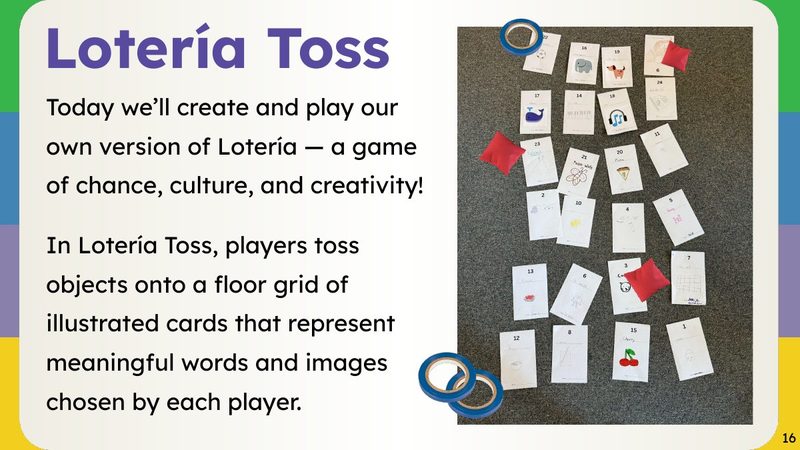
Each student designs a personal Lotería-style card, then the class plays a tossing game and tracks which numbers come up. Those results become the first data set.
-
 Lesson 2
Paperclip Toss
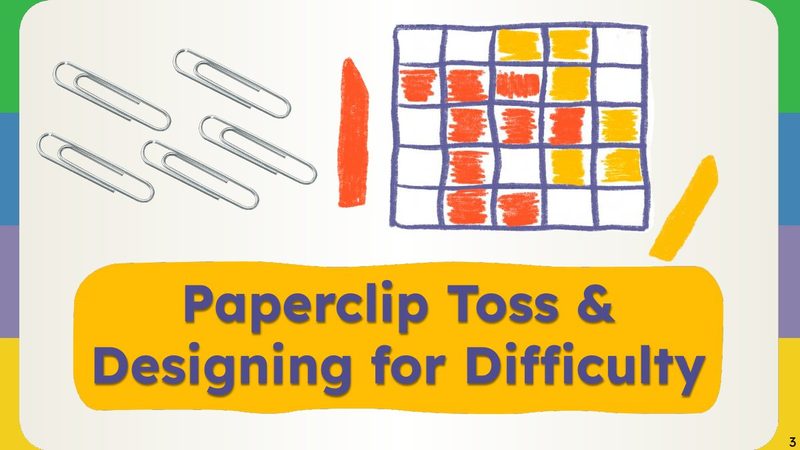
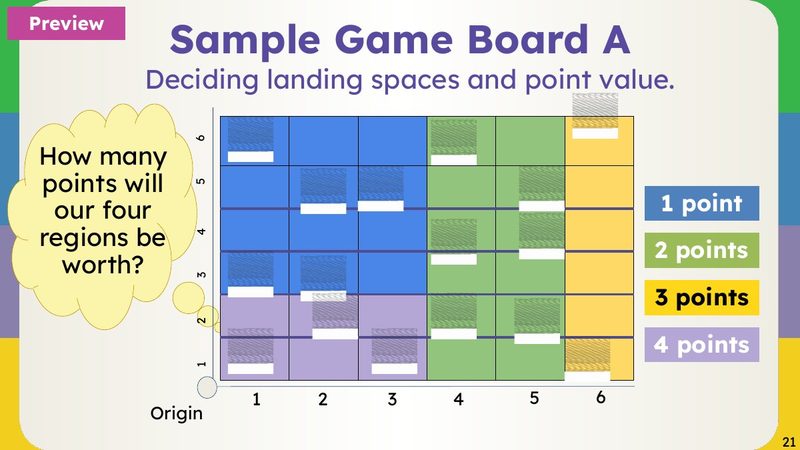
Teams redesign a toss game to be easier or harder, collect scores, and work out the mode, median, and mean to see which best describes how the game plays.
-
 Lesson 3
Design a Game
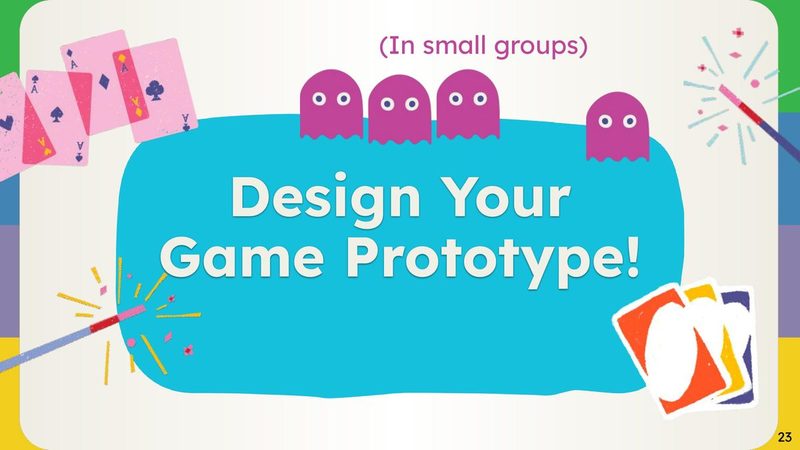
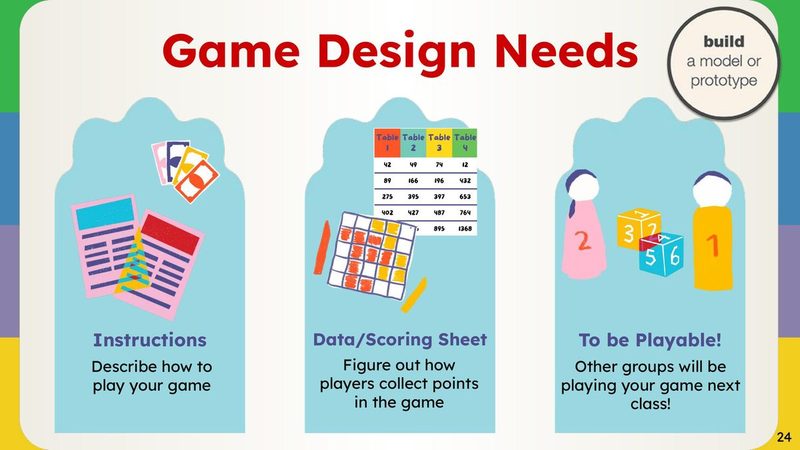
Teams invent a carnival game by mashing up games they know, build it from makerspace materials, test it, and revise it.
-
 Lesson 4
Data Carnival
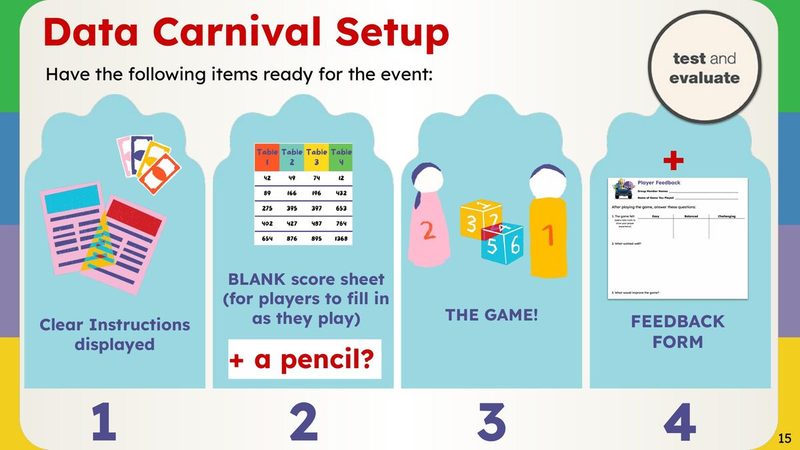
The classroom becomes a carnival. Students play one another's games, give feedback, and use the results to judge how well each design works.
Inside the lessons
A few slides from the Game Maker decks.
What students walk away with
- A personalized Lotería card
- A redesigned toss game with its own rules and scoring
- An original carnival game, built and playtested
- Score data and feedback from real players
The data skills underneath
- Collecting and organizing data from play
- Frequency and distribution: what comes up most, and how results spread
- Mode, median, and mean, and when each one tells the story best
- Testing and revising a design using evidence
- Explaining design choices with data
Every lesson also practices the four Data Habits of Mind: Curiosity, Communication, Perseverance, and Understanding Context.