Game Maker
Lesson 4: Data Carnival
Students play each other's games and give data-informed feedback to refine their designs in a fast-paced, collaborative final Game Maker lesson.
Overview
Students finish building their games and get the chance to play each other’s games and give data-informed feedback to improve their designs. This lesson is intentionally fast-paced and collaborative. Not all games will be “finished” by the end—that’s okay! The goal is to get students thinking like game designers and to have working prototypes ready for peer testing and feedback at the carnival. The carnival is a celebratory culmination of the students’ work with data!
Student Objectives
- ✓ I can use what I know about how design choices influence data results to give feedback to other teams' game designs.
- ✓ I can apply my learning that games generate data through scoring systems.
- ✓ I can use procedural writing to communicate game rules and scoring methods.
- ✓ I can collaborate with teammates to build on shared ideas.
- ✓ I can apply the engineering design process to create a playable game.
At a Glance
Total: about 45 minutes-
Launch — connect to prior work and Data Habits of Mind
7 min · Slides 2–10
Describe the lesson — teams build and test their games so they can get feedback (data) from each other and consider how to modify their designs. Remind students of class agreements that matter for building and giving feedback. Have students individually write four words that describe their game, then share and compare with teammates. Introduce the Data Habit of Mind: perseverance, and connect it to testing, feedback, and improving a design.
-
Build — finalize game prototype and prepare for testing
12 min · Slides 11–13
Re-orient students to their game design and the engineering design process. Have teams review their plans, identify missing components, and take 10 minutes to finalize their prototype, instructions, and score sheet. Stress playable over perfect — they just need something to test. Have students use the checklist (slide 13) to confirm their game is playable when the timer goes off.
-
Build — stop work and set up for the carnival
2 min · Slides 14–15
Ask students to stop work when the timer goes off; it's okay if they aren't finished. Describe what groups need to do to prepare for testing, pass out the Group Handout - Feedback (1 per group), and remind students to be specific and kind — the feedback data will help teams improve. Give students 2 minutes to set up their game station for another team to play.
-
Data Carnival — play and give feedback
12 min · Slides 16
Groups pair up and take turns playing each other's games while the design team watches. Set a 5-minute timer for the first group to play, call time, and give 1 minute to write feedback on the Group Handout - Feedback form. Reset for 5 minutes, switch roles, and again take 1 minute for feedback.
-
Reflect on Feedback — use data to improve design
3 min · Slides 17
Pass out the Game Reflection Handout. Guide teams in reviewing score data and player feedback to determine whether their game met its design intention, and have students identify possible improvements based on evidence from the collected data and feedback.
-
Accessibility Check and Improve Design
7 min · Slides 18–20
Guide students through an accessibility scenario and discuss how inclusive design can improve the player experience. Invite teams to consider possible modifications, make targeted revisions, and complete a final design reflection using evidence from testing, score data, and player feedback.
-
Closure — reflect on perseverance
2 min · Slides 21–22
Facilitate a brief reflection on perseverance — invite students to think about a challenge their team encountered and how they worked through it, and to share examples of perseverance during the design, testing, and improvement process.
| Section | Time | Slides | What happens |
|---|---|---|---|
| Launch — connect to prior work and Data Habits of Mind | 7 min | 2–10 | Describe the lesson — teams build and test their games so they can get feedback (data) from each other and consider how to modify their designs. Remind students of class agreements that matter for building and giving feedback. Have students individually write four words that describe their game, then share and compare with teammates. Introduce the Data Habit of Mind: perseverance, and connect it to testing, feedback, and improving a design. |
| Build — finalize game prototype and prepare for testing | 12 min | 11–13 | Re-orient students to their game design and the engineering design process. Have teams review their plans, identify missing components, and take 10 minutes to finalize their prototype, instructions, and score sheet. Stress playable over perfect — they just need something to test. Have students use the checklist (slide 13) to confirm their game is playable when the timer goes off. |
| Build — stop work and set up for the carnival | 2 min | 14–15 | Ask students to stop work when the timer goes off; it's okay if they aren't finished. Describe what groups need to do to prepare for testing, pass out the Group Handout - Feedback (1 per group), and remind students to be specific and kind — the feedback data will help teams improve. Give students 2 minutes to set up their game station for another team to play. |
| Data Carnival — play and give feedback | 12 min | 16 | Groups pair up and take turns playing each other's games while the design team watches. Set a 5-minute timer for the first group to play, call time, and give 1 minute to write feedback on the Group Handout - Feedback form. Reset for 5 minutes, switch roles, and again take 1 minute for feedback. |
| Reflect on Feedback — use data to improve design | 3 min | 17 | Pass out the Game Reflection Handout. Guide teams in reviewing score data and player feedback to determine whether their game met its design intention, and have students identify possible improvements based on evidence from the collected data and feedback. |
| Accessibility Check and Improve Design | 7 min | 18–20 | Guide students through an accessibility scenario and discuss how inclusive design can improve the player experience. Invite teams to consider possible modifications, make targeted revisions, and complete a final design reflection using evidence from testing, score data, and player feedback. |
| Closure — reflect on perseverance | 2 min | 21–22 | Facilitate a brief reflection on perseverance — invite students to think about a challenge their team encountered and how they worked through it, and to share examples of perseverance during the design, testing, and improvement process. |
Materials & Prep
- Group Handout - Feedback1 per group of 3–4 studentsPrint double-sided.
- Group Handout - Game Reflection1 per group of 3–4 studentsPrint single-sided. To make it an individual reflection, print 1 page per student.
- Group Handout — Game Design packetCompleted packet for each group, carried over from Lesson 3.
- Markers, colored pencils, or crayons
- Various game-building materials
- Cardstock or chipboardFor game instructions and building.
- Tape, scissors, glue
- Optional supportsGlue guns, sentence starters, and visual / bilingual vocabulary cards.
- Internet access and a computer with projectorTo show the slides.
- Set up classroom space for game building and testing.
- Plan areas for group work and game building. Students will need their game designs from the prior lesson and should sit in the same groups to continue building and testing in teams.
- Plan where students can access materials and supplies.
- Decide how students will get and put away materials (for example, groups take turns or assign a group material manager).
- Optional: photograph games for documentation and celebration.
Slides & Teaching Guide
How to use these speaker notes
Every slide's notes follow the same four labels so you can find what you need at a glance.
- Time:
- Approximate pacing for the slide.
- Example Script:
- Suggested language to say to students. Paraphrase freely to match your voice.
- Do:
- Appears only when a specific action or facilitation move is needed (invite a volunteer, collect a data sheet, etc.). If you don't see a "Do" line, the script is all that's needed.
- Purpose:
- Why the slide is here and what it's building toward in the lesson.
-
Slide 2 · Lesson 4
No teaching notes for this slide.
-
Slide 3 · GAME MAKER
30 secondsWelcome back, game designers! Today is our final lesson in the Game Maker Data Adventure and we’ve made it to our Data Carnival Day.
Purpose: Introduce the Data Carnival and build excitement for testing games.
-
Slide 4 · 02
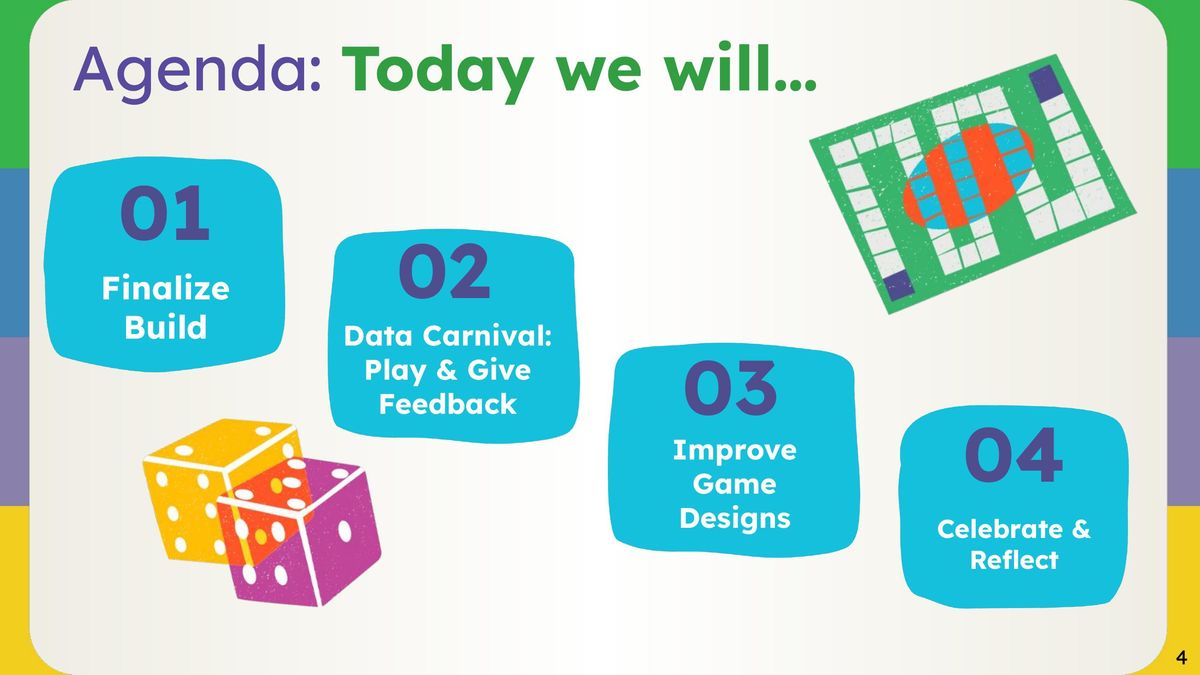
30 secondsToday we will finish building our games, scoresheets, and instructions. THEN we will play each other’s games in a Data Carnival! Based on the feedback you receive, you’ll have an opportunity to improve your game design. Finally, we’ll celebrate our accomplishments and do a final reflection.
Purpose: Agenda
-
Slide 5 · Classroom Agreements
1 minuteDo: Review Community Agreements
Purpose: Classroom Agreements
-
Slide 6 · Think about the game you designed in the last lesson!
2 minutesFirst — don't talk to your teammates yet. Individually, on a scrap of paper, write exactly FOUR words to describe how someone plays your game. No more, no less. Think about what's most essential. Go — you have 60 seconds.
Do: Set timer. Circulate silently.
Purpose: Activating prior knowledge from Day before. Forces students to distill the core mechanic of their game. Reveals whether the design is clear and memorable. AND whether the team is on the page (yet).
-
Slide 7 · 4 word challenge
3 minutesNow share your 4 words with your teammates. Did you all pick the same words? Different words? What does that tell you about how clear your game design is? If your words are very different — that's a signal your instructions might need to be clearer before we build. This is actually useful data about your own design. Brief class share-out: Did any team have everybody write almost the same 4 words? What were they?
Purpose: Reveals alignment (or misalignment) within teams. Surfaces gaps in shared understanding before building begins. Great organic data point about communication.
-
Slide 8 · Perseverance
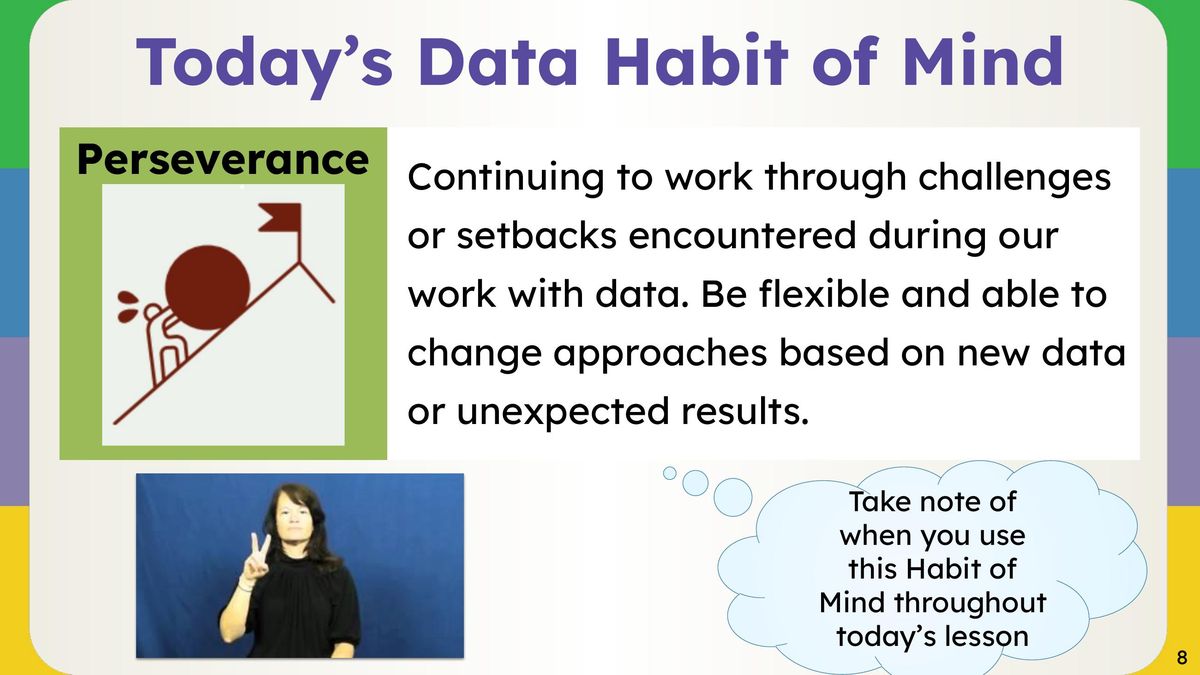
1 minuteToday's Habit of Mind is Perseverance. This is being able to work through challenges or setbacks and being flexible enough to change your approach when new data or feedback comes in.
Do: Ask students to pay attention to moments when they need to revise, problem-solve, or respond to feedback.
Purpose: Frames this lesson with the engineering design mindset. Connects the habit of mind directly to EDP Steps 4 and 5. Sets expectation that iteration is expected, not a sign of failure.
-
Slide 9 · Project Mission
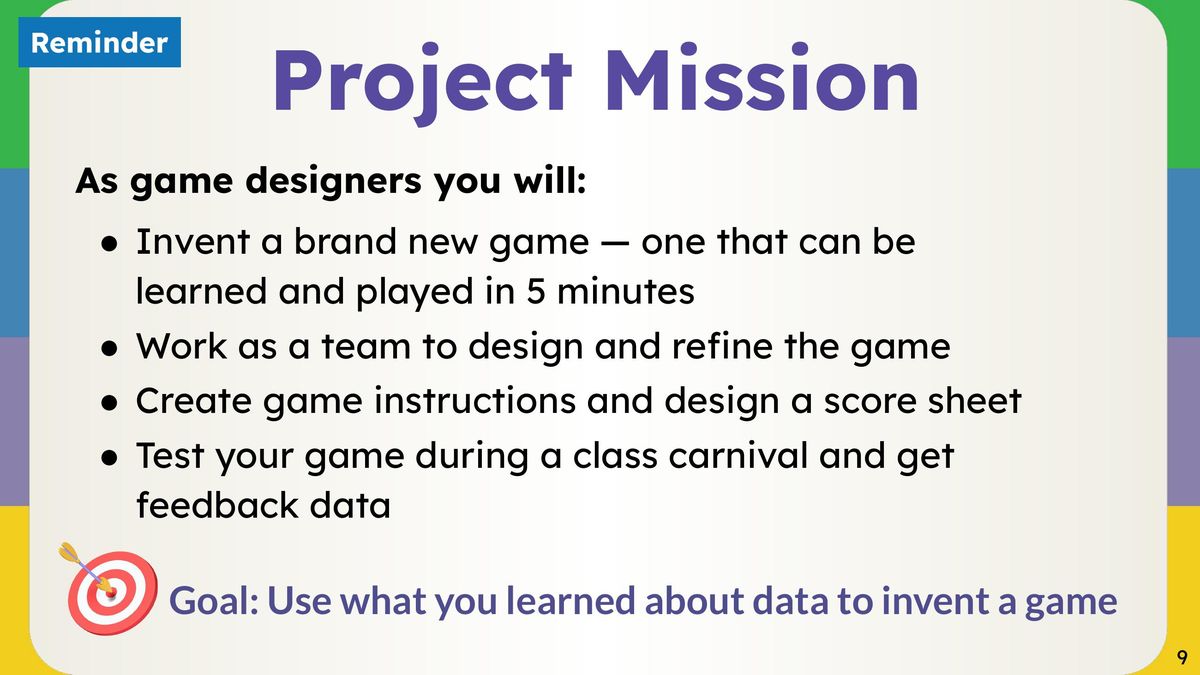
15 secondsAs a reminder, our mission is to invent a brand new game. During the last lesson your group choose ONE idea for a game. Then you worked together to sketch your game plan, create instructions, and design a scoring system. Now we’ll get to the best part — we'll have a class carnival where we play each other's games.
Purpose: Reconnect students to the overall goal of the Game Maker project and remind them how data supports game design.
-
Slide 10 · ‹#›
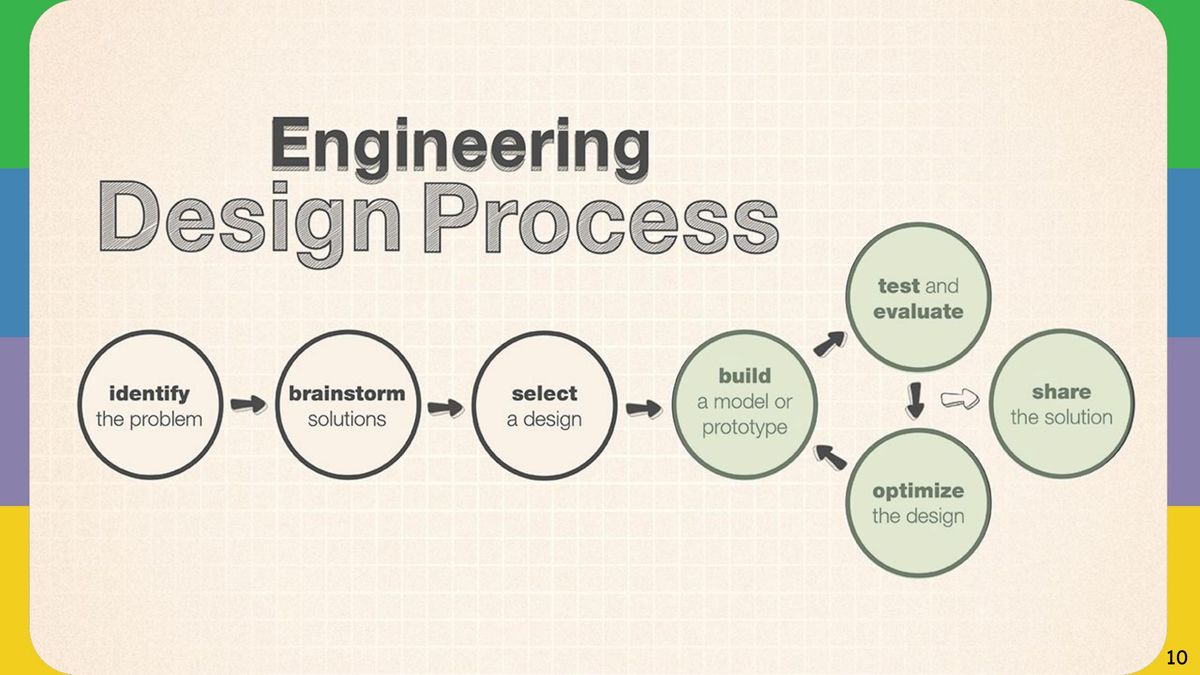
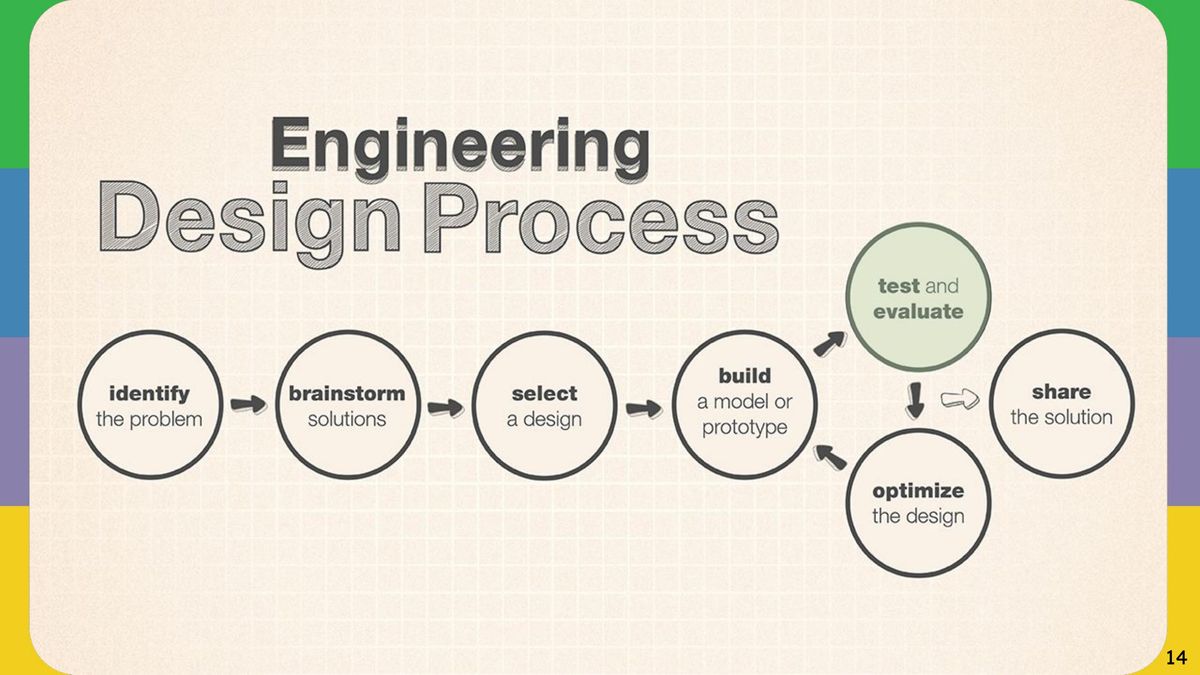
15 secondsToday your team will pick up where you left off to finish building and then testing your new games — the later parts of the Engineering Design Process (from NASA). The reason we build prototypes and models is to test and get feedback to make your game better. The idea is that your first version can always be made better with feedback and observations of people interacting with your design. Perseverance as a mindset can come in handy for this process!
Purpose: Connect today's work to the Test, Evaluate, and Improve stages of the Engineering Design Process.
-
Slide 11 · (In groups of 3–4...)
30 secondsTeams, it's time to move back into the Build stage of the Engineering Design Process. Take a moment to review your game plan, instructions, score sheet, and materials from last lesson. Remember, groups may be at different places in the design process, and that's okay. Your goal right now is to continue building and preparing your game so it is ready for testing during our Data Carnival.
Do: Have groups gather their materials, design packet, instructions, and score sheet from Lesson 3. Answer clarifying questions before beginning work time.
Purpose: Reconnect students to their game design work from Lesson 3 and transition into the Build stage of the Engineering Design Process.
-
Slide 12 · 3 things you need for your game:
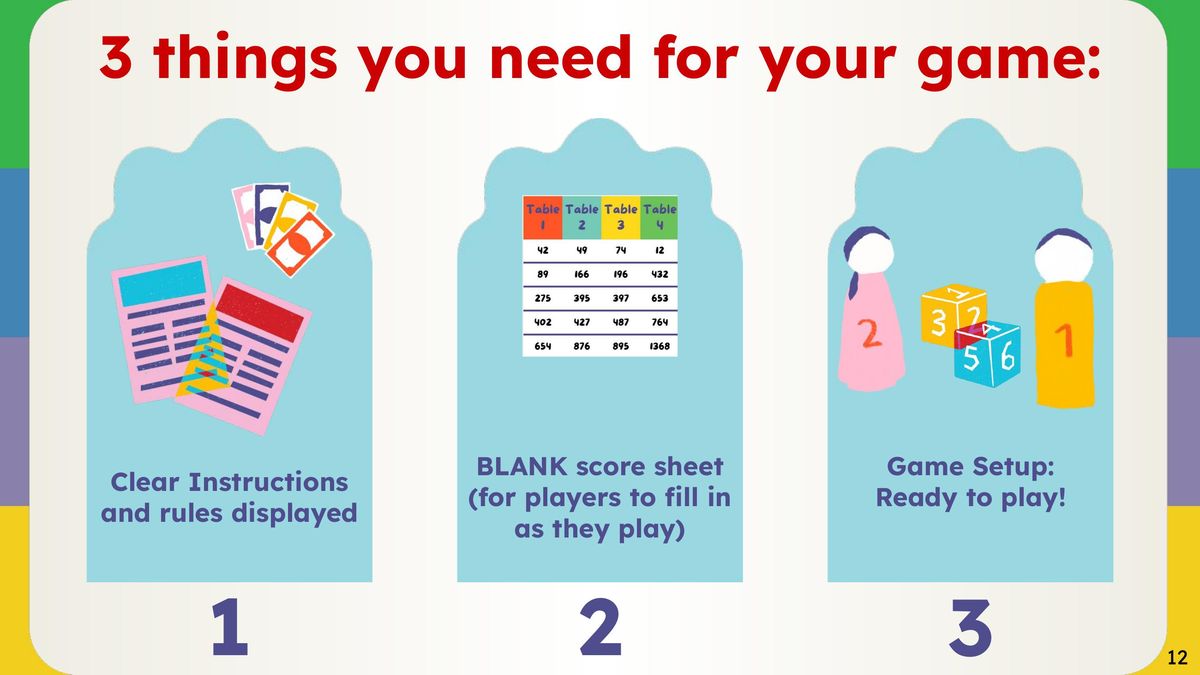
1 minuteLet's do a quick check-in before we move to the Carnival. Hold up your hand if you have: (1) clear written instructions (2) a blank score sheet (3) your game setup: ready to play. If you're missing any of these, use the next ten minutes to finish them up. These three things are what make your prototype ready to test.
Do: Get a confirmation from students that they understand what their group needs to do in the next 10 minutes.
Purpose: Help teams identify what still needs to be completed before entering the Data Carnival.
-
Slide 13 · Final Build Time
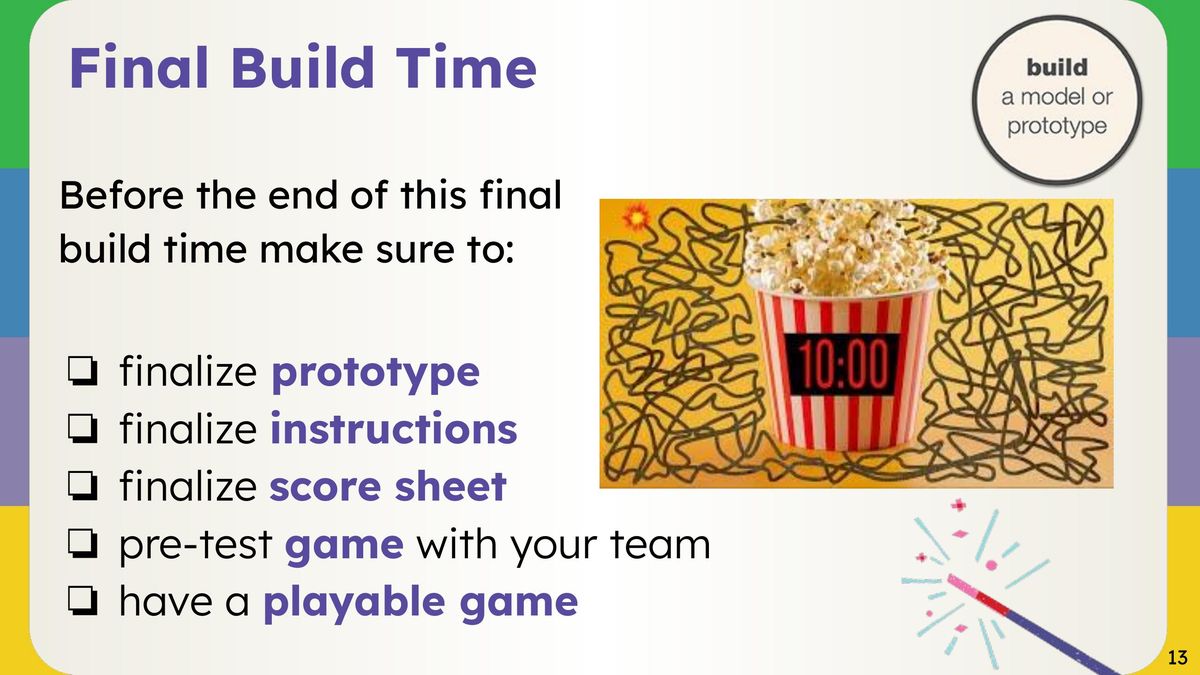
10 minutesThis is your final 10 minutes of build time. Your game doesn’t have to be perfect, it needs to be playable for the carnival, so don’t forget to test your game along the way. Use your time wisely because the carnival will begin shortly after the build.
Do: Circulate and encourage students. If students are having a hard time getting started, you could suggest that since there are 3 per team and 3 tasks, the group may want to divide tasks and each work on one. Consider playing music in your classroom during their work time. If students could benefit from seeing an example of instructions and scoresheets, consider asking several groups to share their mash-up games instructions and score sheet.
Purpose: Support game building
-
Slide 14 · ‹#›
30 secondsOK teams! We are now moving into the test and evaluate phase of the Engineering Design Process. Even if your game isn’t completed to your grandest vision, this phase will give you valuable feedback about how you can improve and optimize your game.
Do: Signal the end of build time and have students stop work, clean up materials, and prepare for testing.
Purpose: Transition students from building into testing and evaluation.
-
Slide 15 · Data Carnival Setup
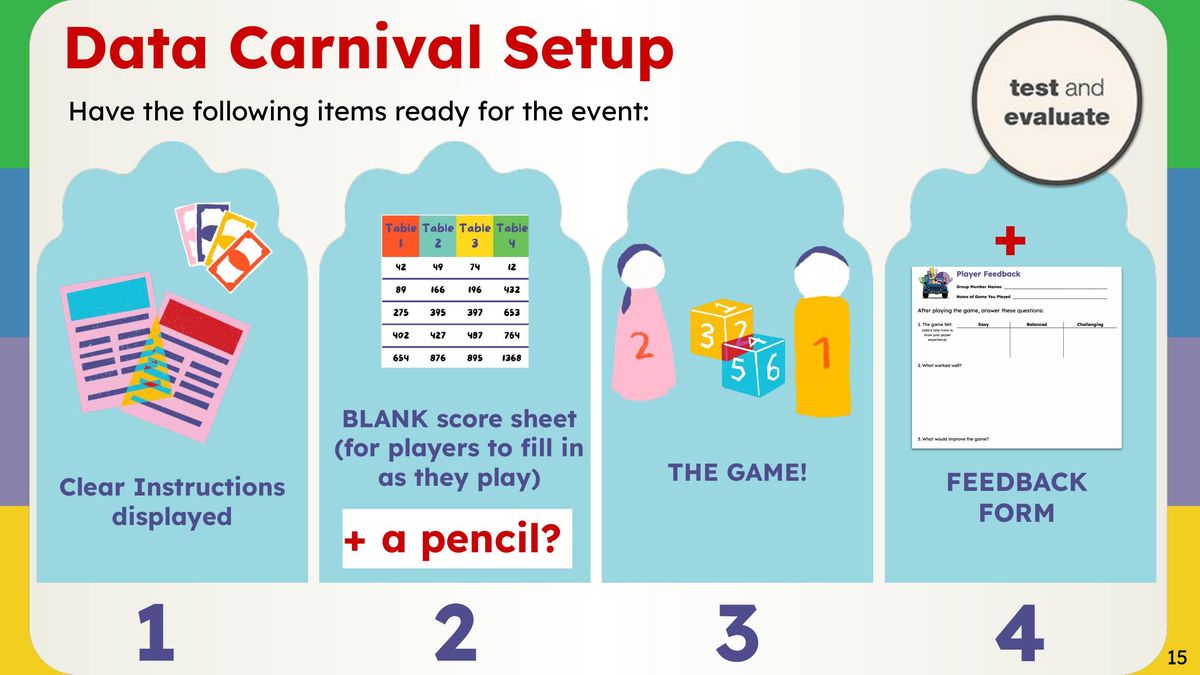
2 minutesQuickly set up your table for players! You will need: (1) clear written instructions (2) a blank score sheet, will your player need a pencil to write down their score? (3) your game and (4) the feedback form. If you're missing any of these, use the next two minutes to finish them up. These things are what make your prototype game ready to test.
Do: Pass out the Group Handout - Feedback (1 per group)
Purpose: Prepare game stations so players can independently understand, play, and provide feedback on each game.
-
Slide 16 · Play Each Other’s Games
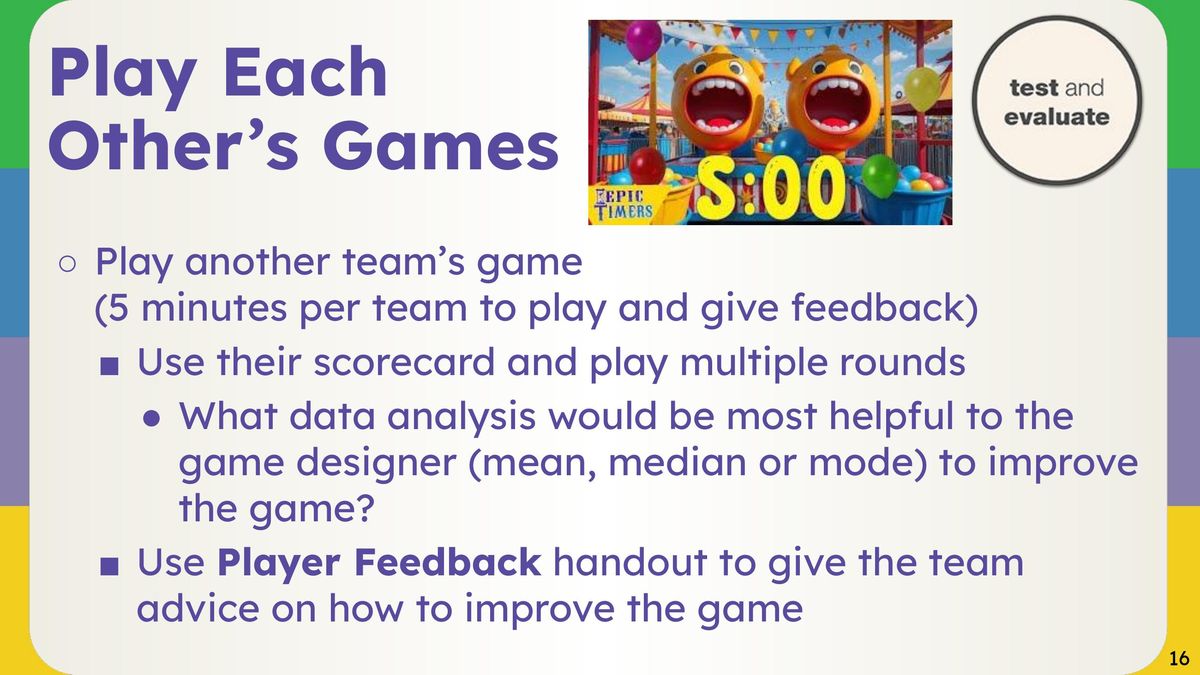
12 minutesYou will have 5 minutes to play another team's game. Use their score sheet (Group Handout - Game Design, page 3) to record scores as you play. Play as many rounds as you can in the time you have. When you finish playing or when the timer goes off, you will pause to share written feedback using the Group Handout - Feedback form. Be specific and be kind — this feedback is going to help that team make their game better. [AFTER 5 minutes, call a brief pause] How's it going? Is the game clear enough to play? Take a few minutes to write some feedback from testing the game.
Do: Pair up teams to play each others games (if you haven’t already). Set a 5-minute timer.
Purpose: Peer testing. Students experience the game from the player's perspective and generate written feedback. Practice of EDP Step 5 — Test & Refine.
-
Slide 17 · Game Reflection
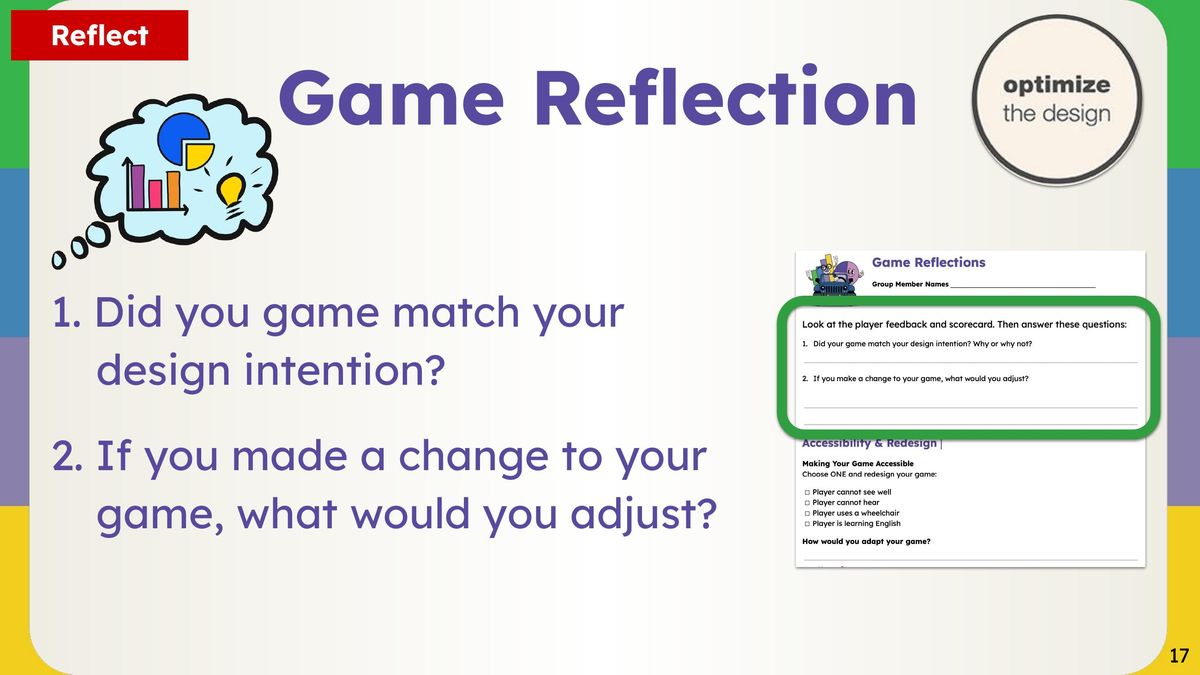
3 minutesBefore we start making changes, take a moment to look at the feedback and score data from the team that played your game. As a group, discuss these two questions and record your thinking on the Game Reflection handout. Use the feedback and data that you collected to support your answers
Do: Have teams review their score sheets and player feedback forms together. Encourage students to cite specific comments or patterns they noticed in the data.
Purpose: Help students analyze player feedback and game data before making design decisions. Reinforces the idea that data can be used to evaluate whether a design achieved its intended goal.
-
Slide 18 · Accessibility check:
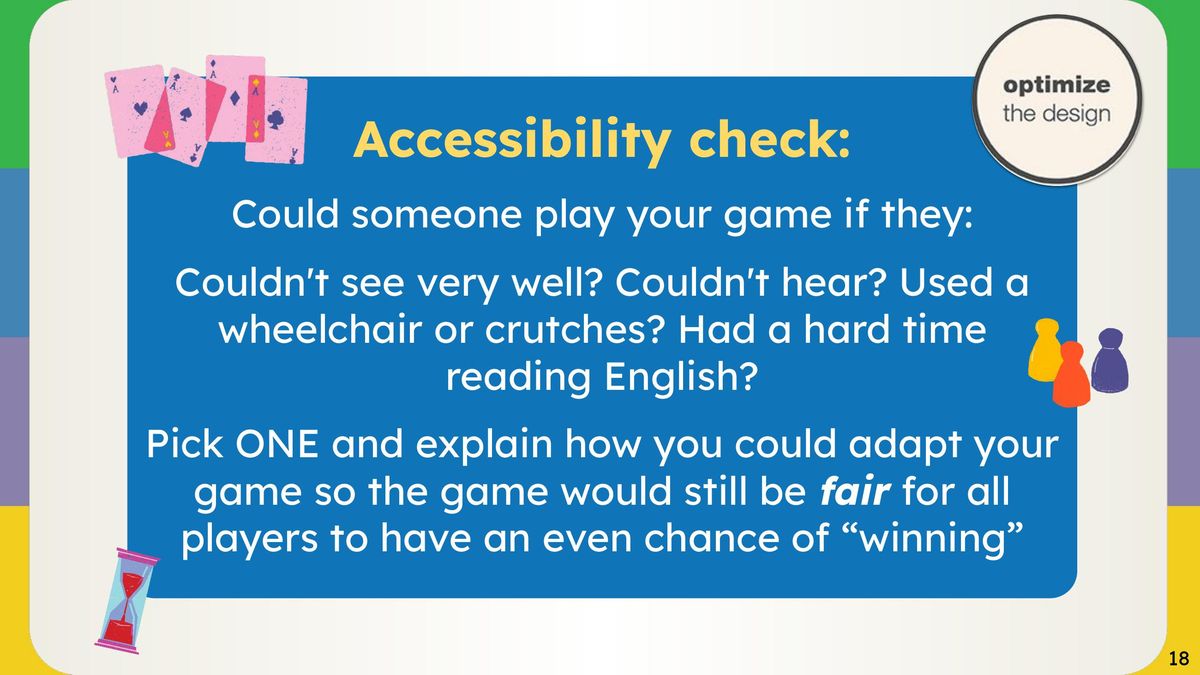
2 minutesBefore you make changes to your game, go to the Game Reflection handout to the section — Accessibility and Redesign. Pick ONE scenario: a player who can't see well, can't hear, uses a wheelchair, or is learning English. With your team, talk through: how would you adapt your game so it's still fair for all players to have a real chance of winning? Jot your ideas in the handout. In the engineering design process, we ask not just 'does it work?' but 'does it work for everyone?'
Do: Call on 2–3 teams to share their accessibility adaptation ideas.
Purpose: Directly maps to the Accessibility & Redesign section of the handout. Broadens the definition of good design. Extends EDP Step 5 — testing for equity and access, not just function.
-
Slide 19 · Improve your Design based on Feedback
5 minutesUse the feedback from other players and what you learned during the accessibility check to improve your game. Focus on one or two changes that will make the biggest difference. Maybe you need clearer instructions, a fairer scoring system, or a change to how the game is played. Use the data and feedback to guide your decisions.
Do: Circulate and prompt: "What did the other team say was confusing?" / "What change are you making and why?" / "How does this change affect fairness or scoring?"
Purpose: Iteration phase. Explicitly names the cyclical nature of the EDP. Students apply data-informed feedback. Connects to Perseverance — working through setbacks to improve the design.
-
Slide 20 · Design Reflection: Choose 1
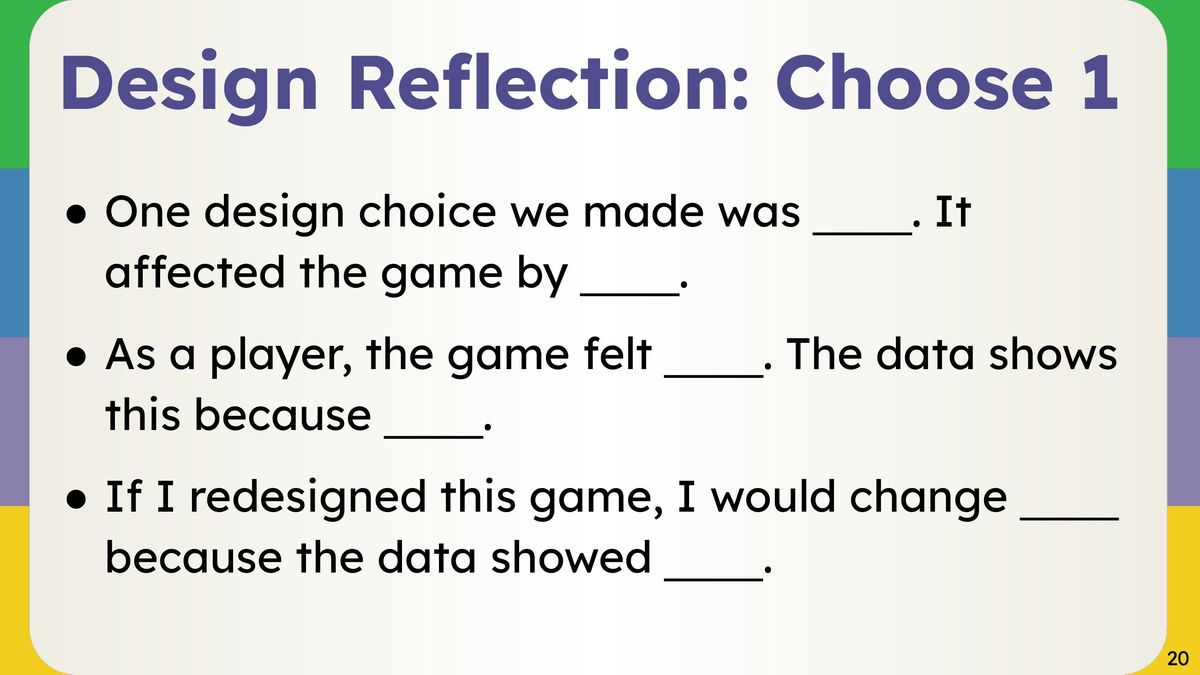
2 minutesTo close, turn to the Final Reflection on the Game Reflections handout. Choose ONE of the three sentence starters and reflect individually: (1) 'One design choice we made was ___. It affected the game by ___.' (2) 'As a player, the game felt ___. The data shows this because ___.' (3) 'If I redesigned this game, I would change ___ because the data showed ___.' This is your own thinking — not a group answer.
Do: Have them reflect individually, then orally in pairs or as a whole class. They do NOT need to write anything on their handout. They can use it as a reference to the sentence frames.
Purpose: Provide an opportunity for students to evaluate their game design using evidence from player feedback, score data, and testing experiences.
-
Slide 21 · Share an example:
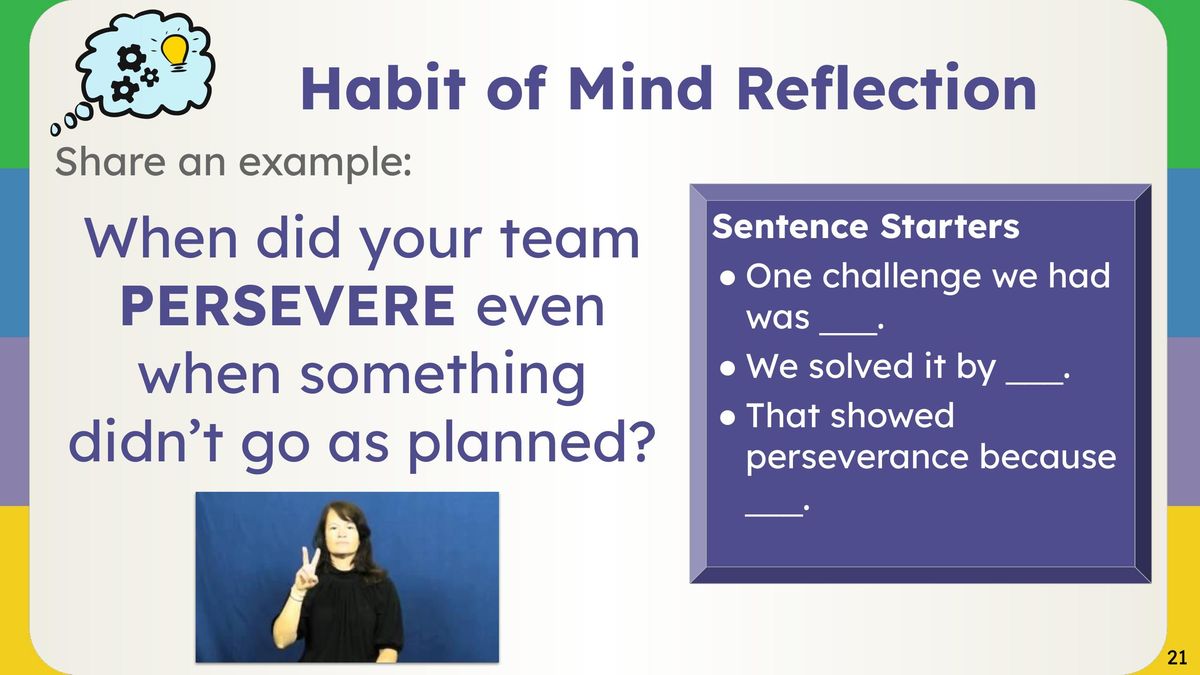
2 minutesTake a moment to think: when did you use Perseverance today? Maybe when your game didn't work the way you planned. Maybe when you had to rewrite your instructions. Maybe when the feedback was hard to hear. Share with a partner first, then I want to hear from two or three of you.
Do: Prompt: Can you share what your PARTNER told you about their perseverance?
Purpose: Help students reflect on how perseverance supported their learning, problem-solving, and game design process.
-
Slide 22 · Congratulations!
1 minuteYou did it. You went from a blank page to a real, playable game — with rules, a scoring system, and feedback from real players. You moved through every step of the engineering design process. That is design thinking. That is data science. Be proud of that.
Purpose: Celebratory close. Acknowledges the full EDP arc. Acknowledges the full arc of the two-day project.